
→ ScreenCastify help is HERE and a helpful checklist is HERE
→ Schoology Assignment is
HERE includes grading menu) for2Astronomy (Period 2)
HERE (includes grading menu) for Physics (Periods 3)
HERE includes grading menu) for AP CSP (Period 4)
→ You'll need to export 3 layers as part of your submittal.
To do that, go into Pixlr and highlight the layer you want to export.
From the menu bar at the top of the screen select:
File
Export
Export Layer
either jpg or png file format is fine.
PLEASE DO NOT submit your file in pxz format since Google and Schoology don't recognize that format
Save that layer to your hard drive or your Google Drive and then drop it into you Schoology Assignment on Google Slides
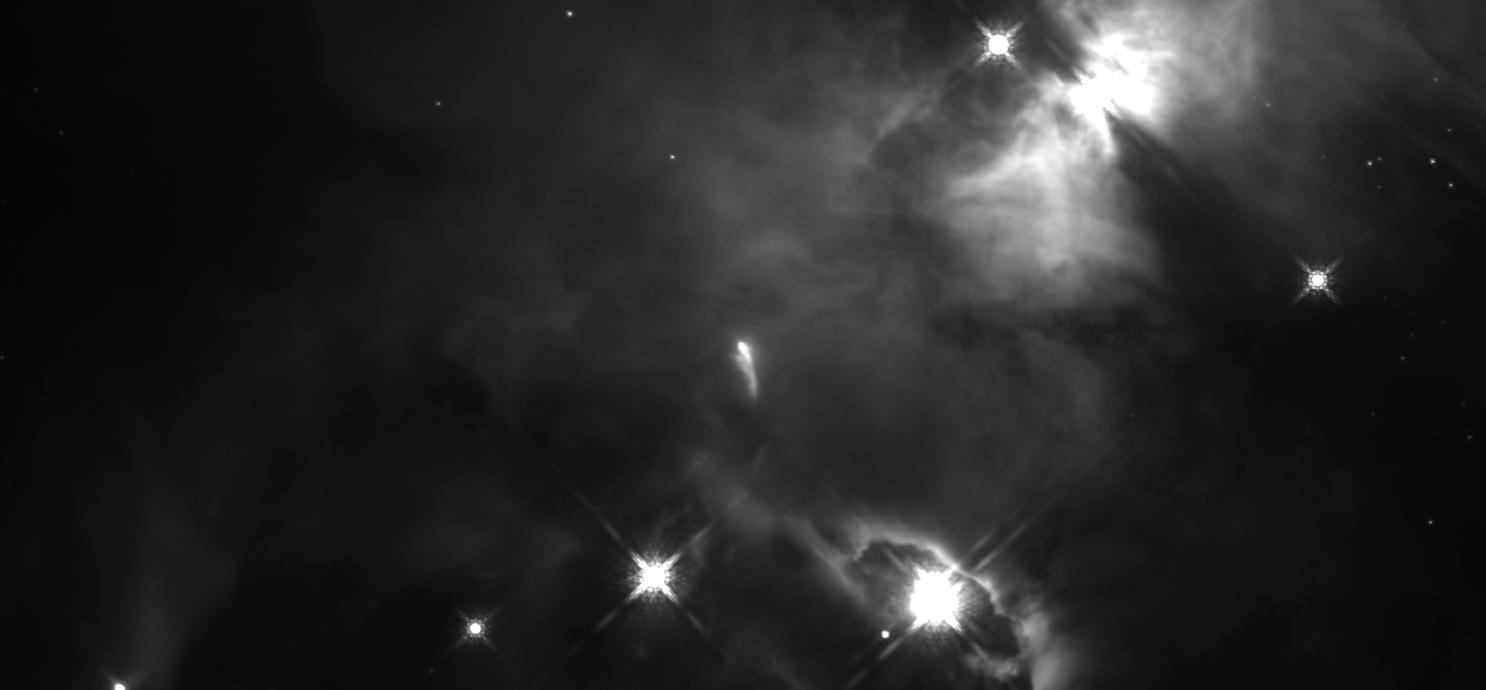
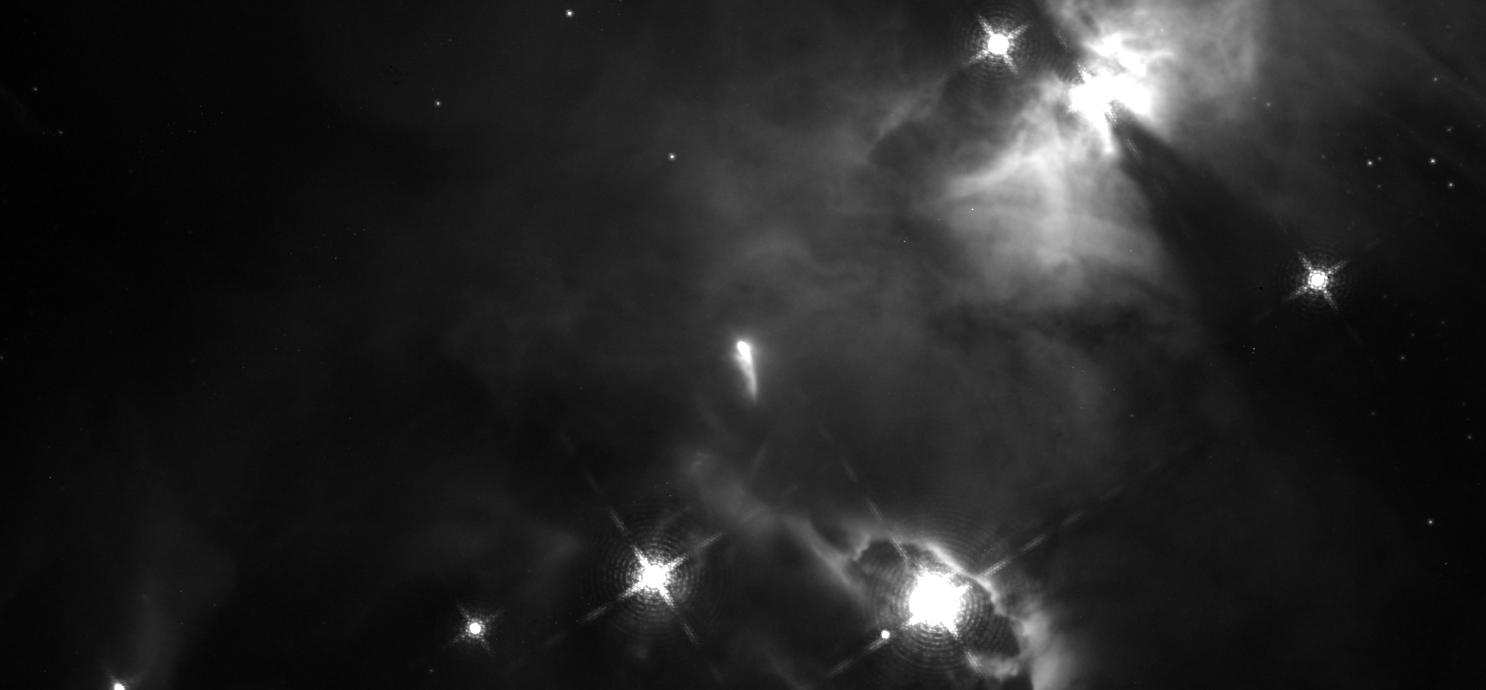
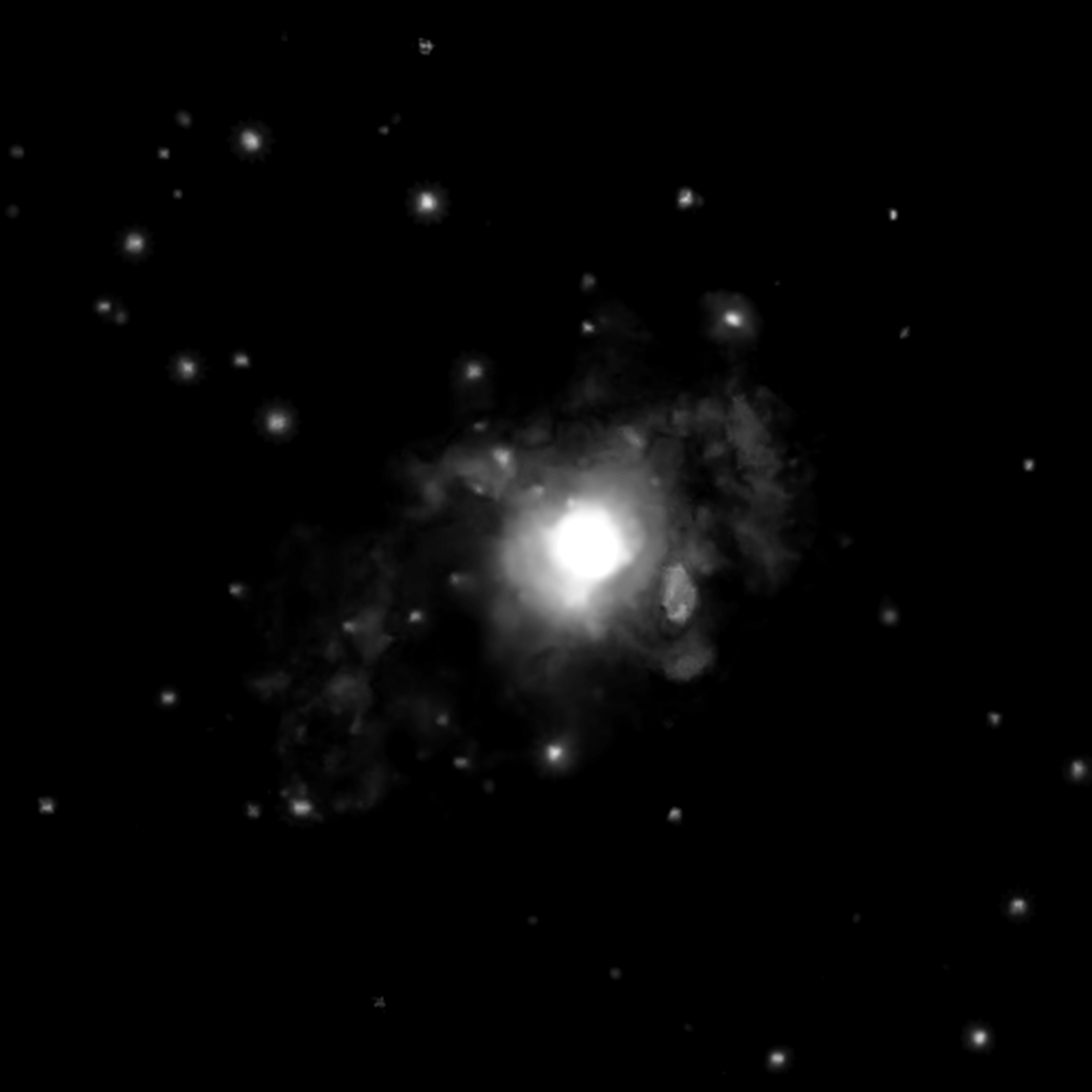
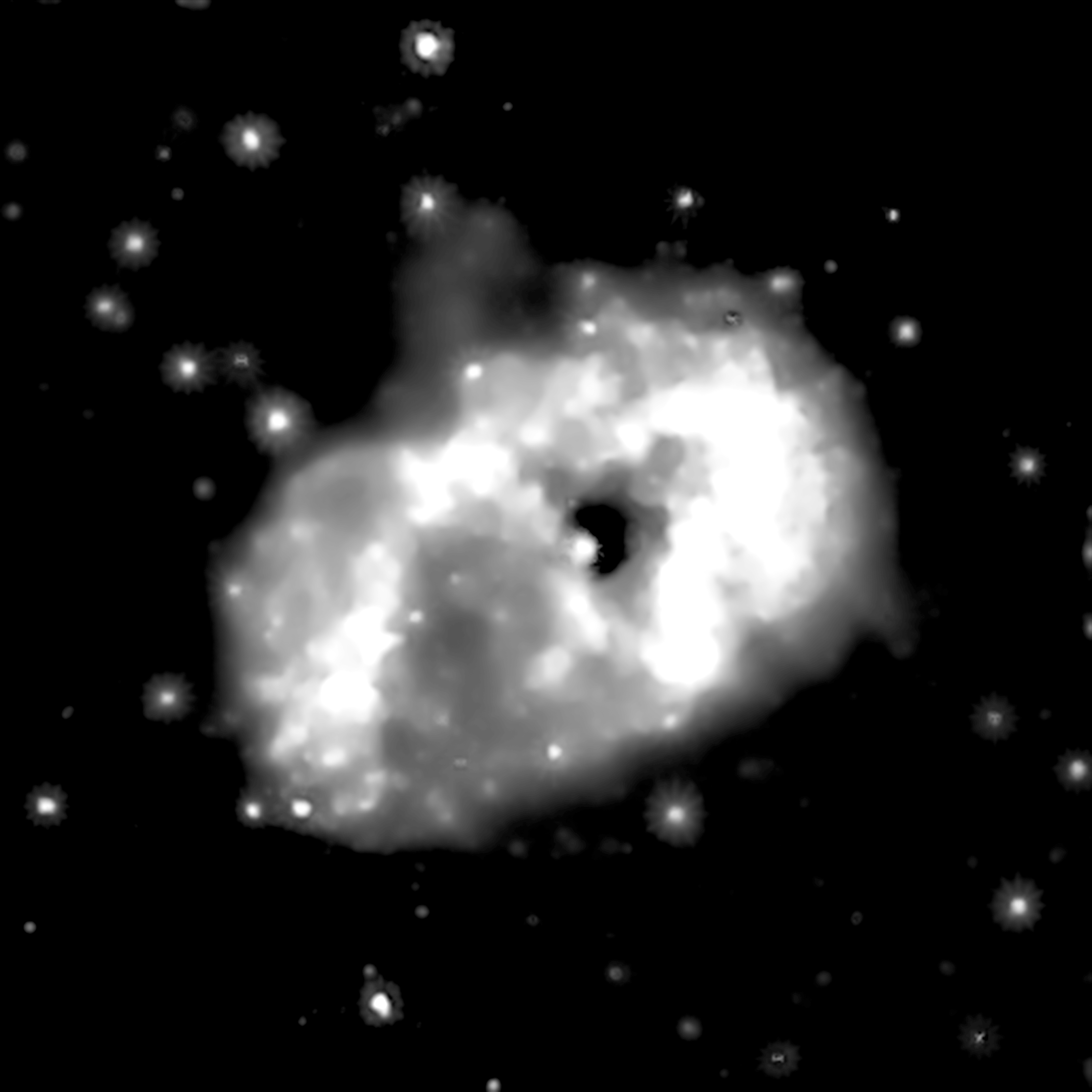
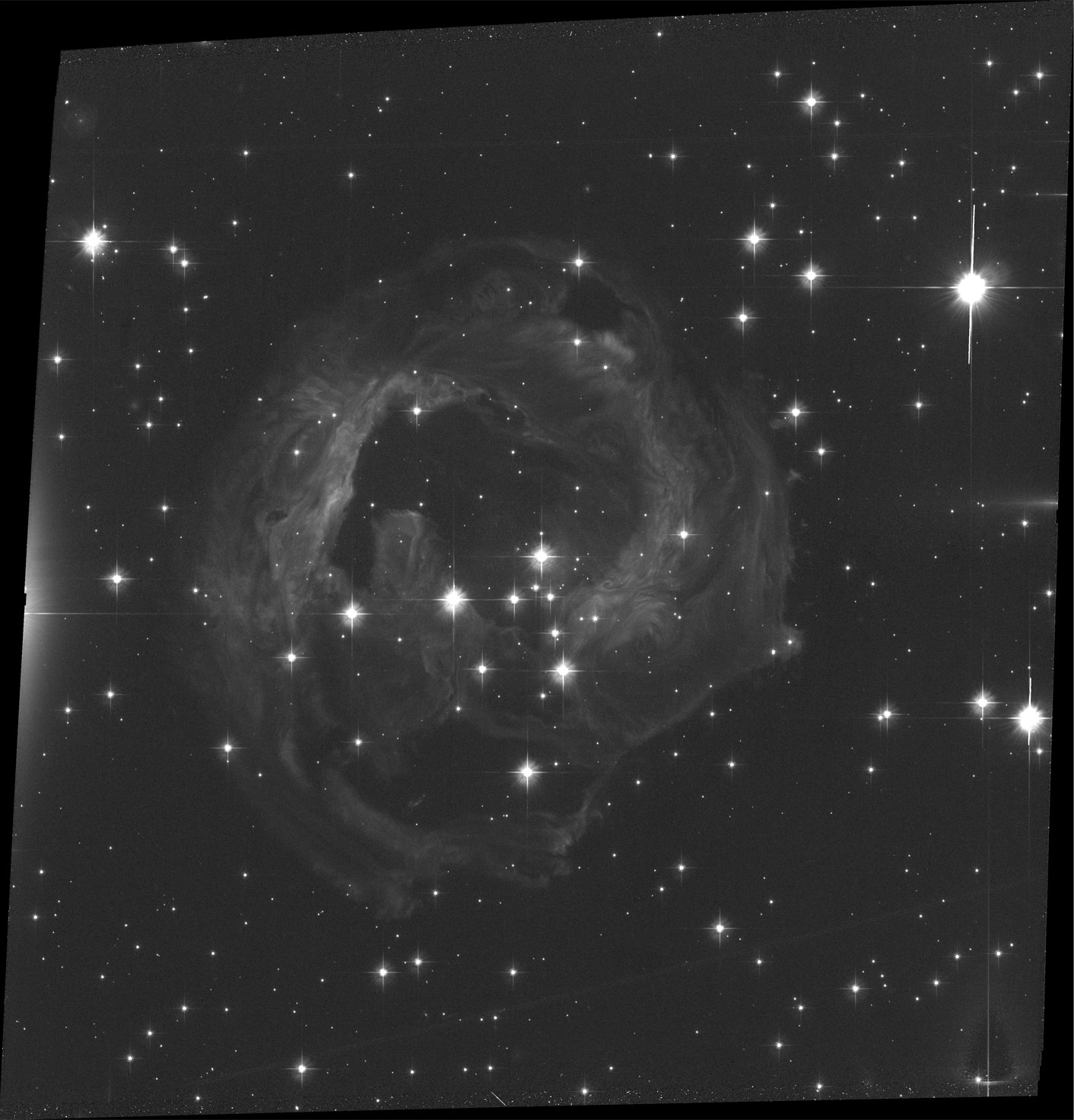
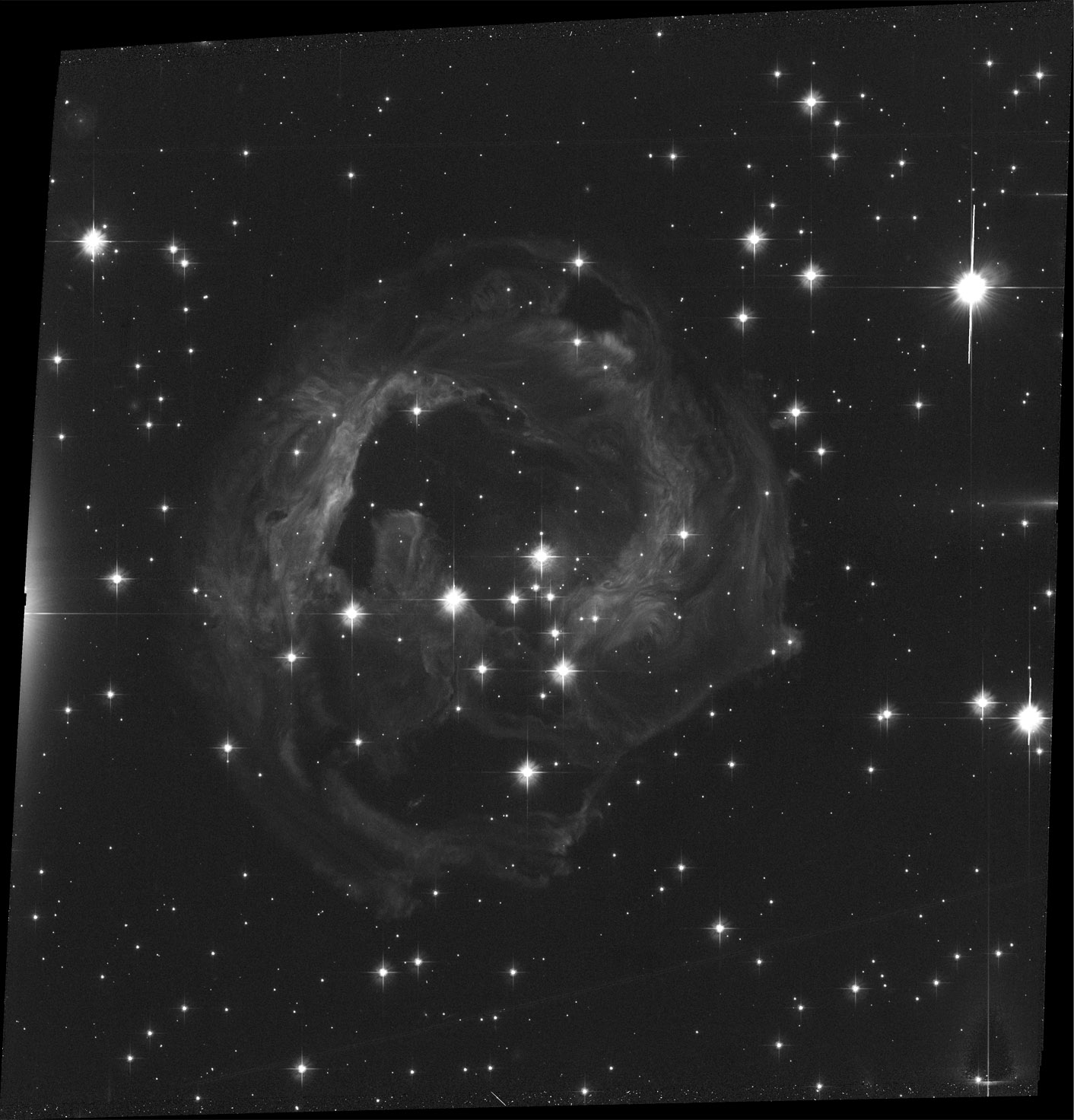
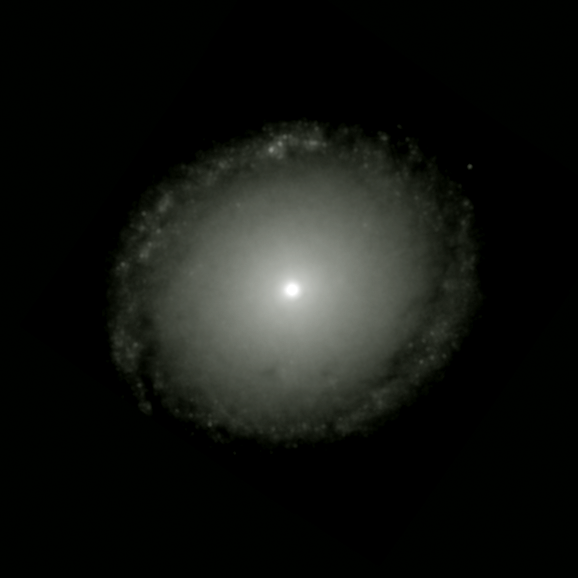
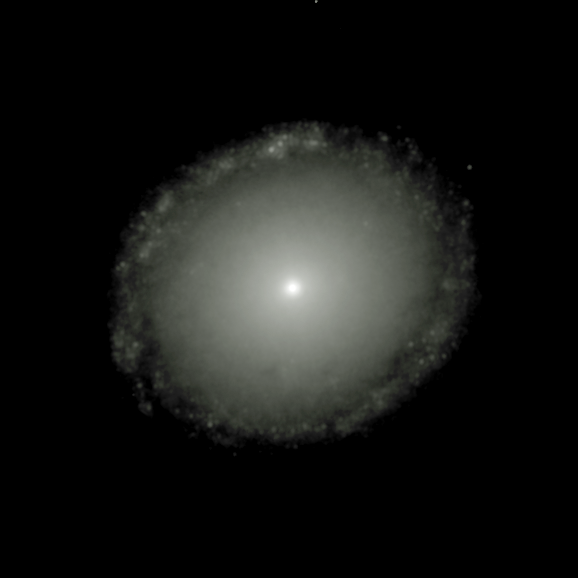
═══════════════════════════Choose your *practice* astronomical object from the list below:
Keep in mind you are *most* welcome to use your own colors!
I find it very helpful to save the file using the filename AND color
Also FYI:
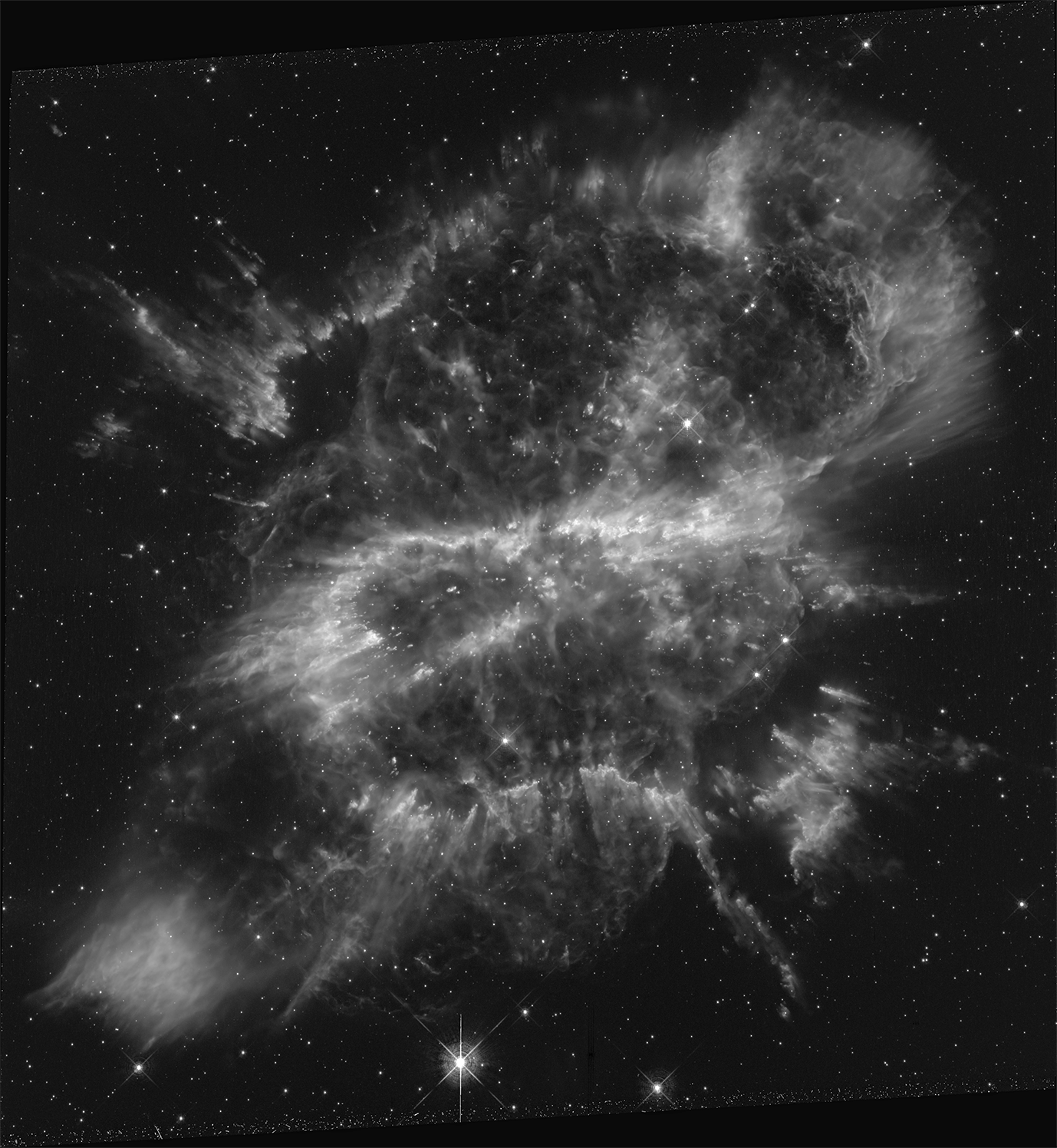
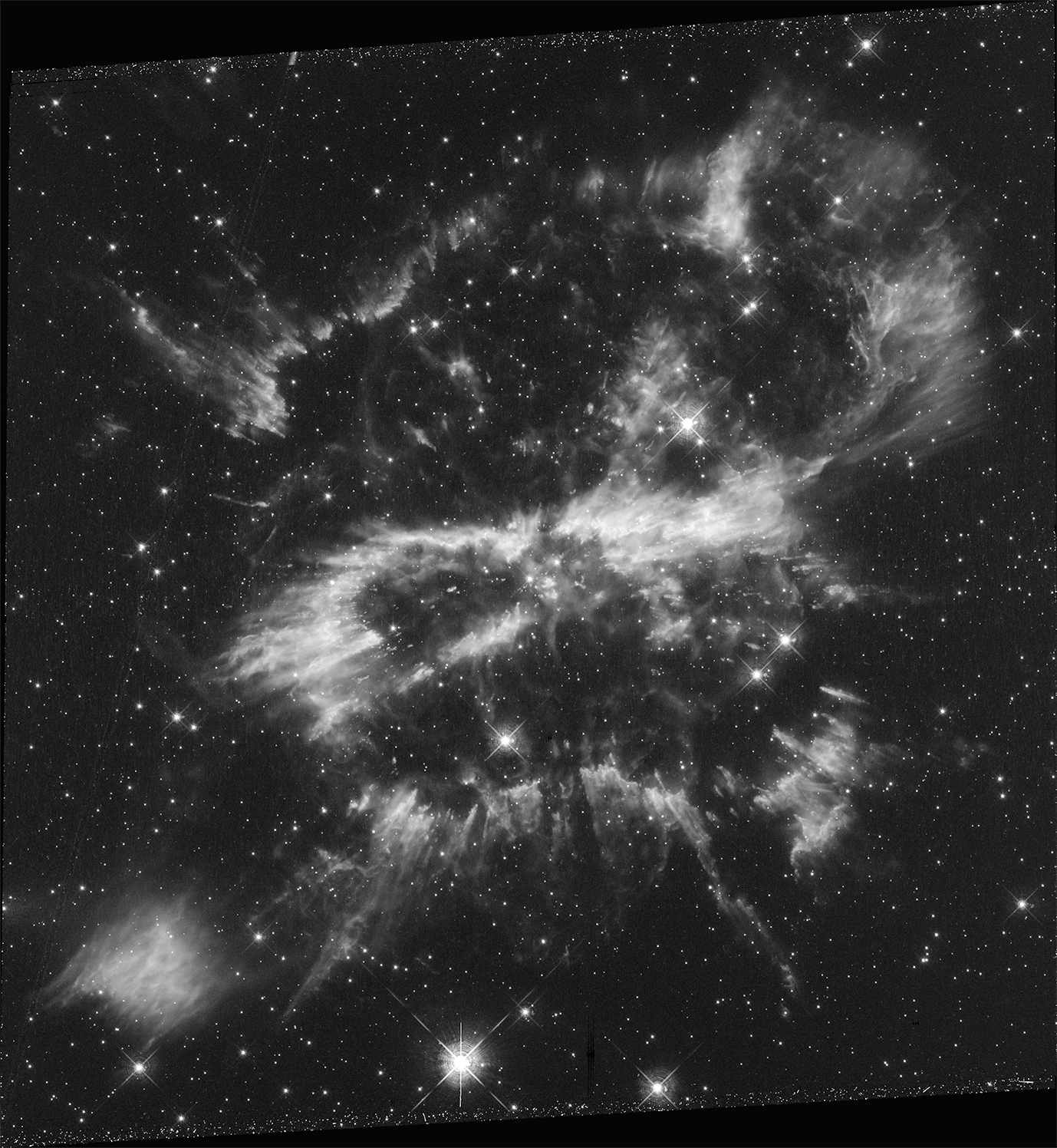
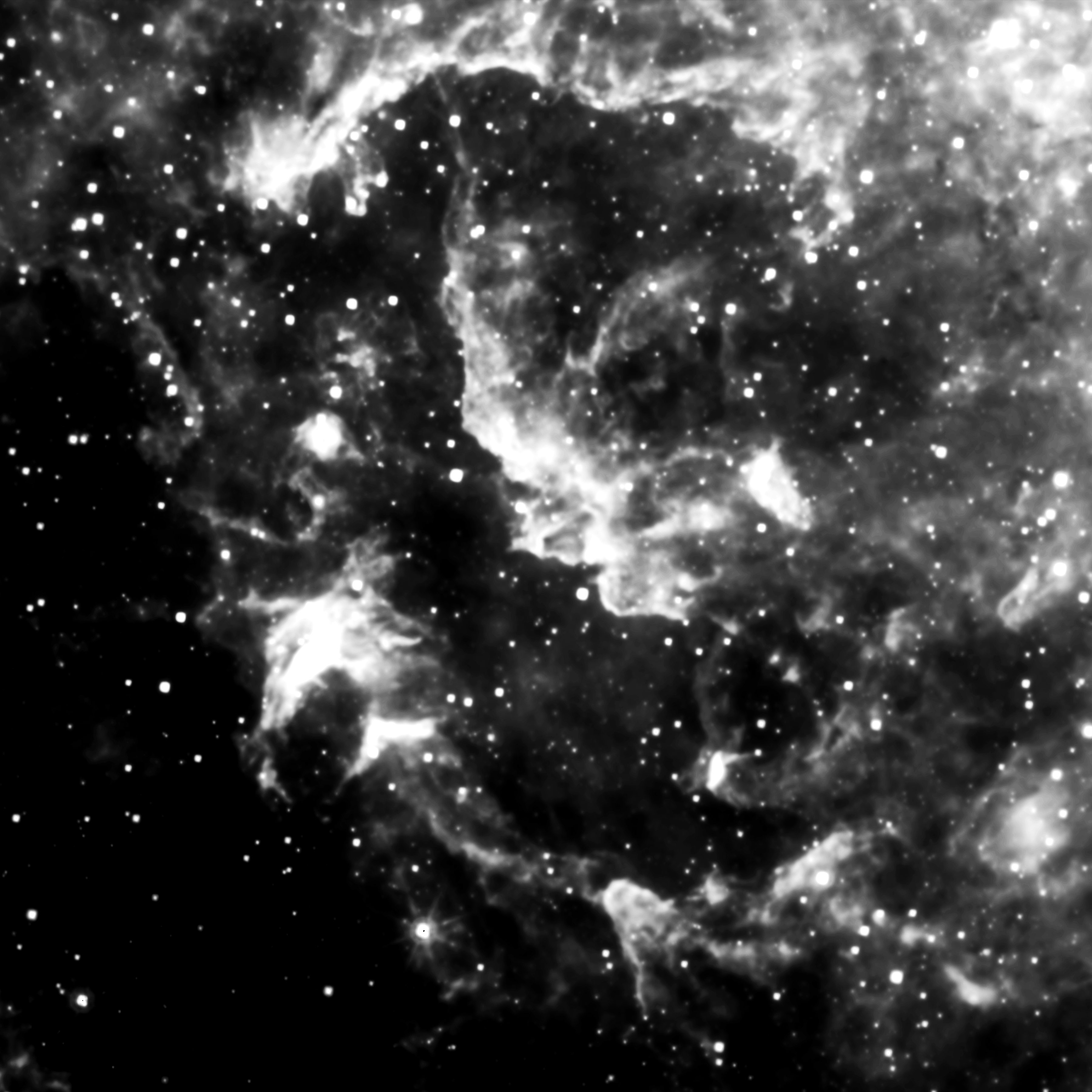
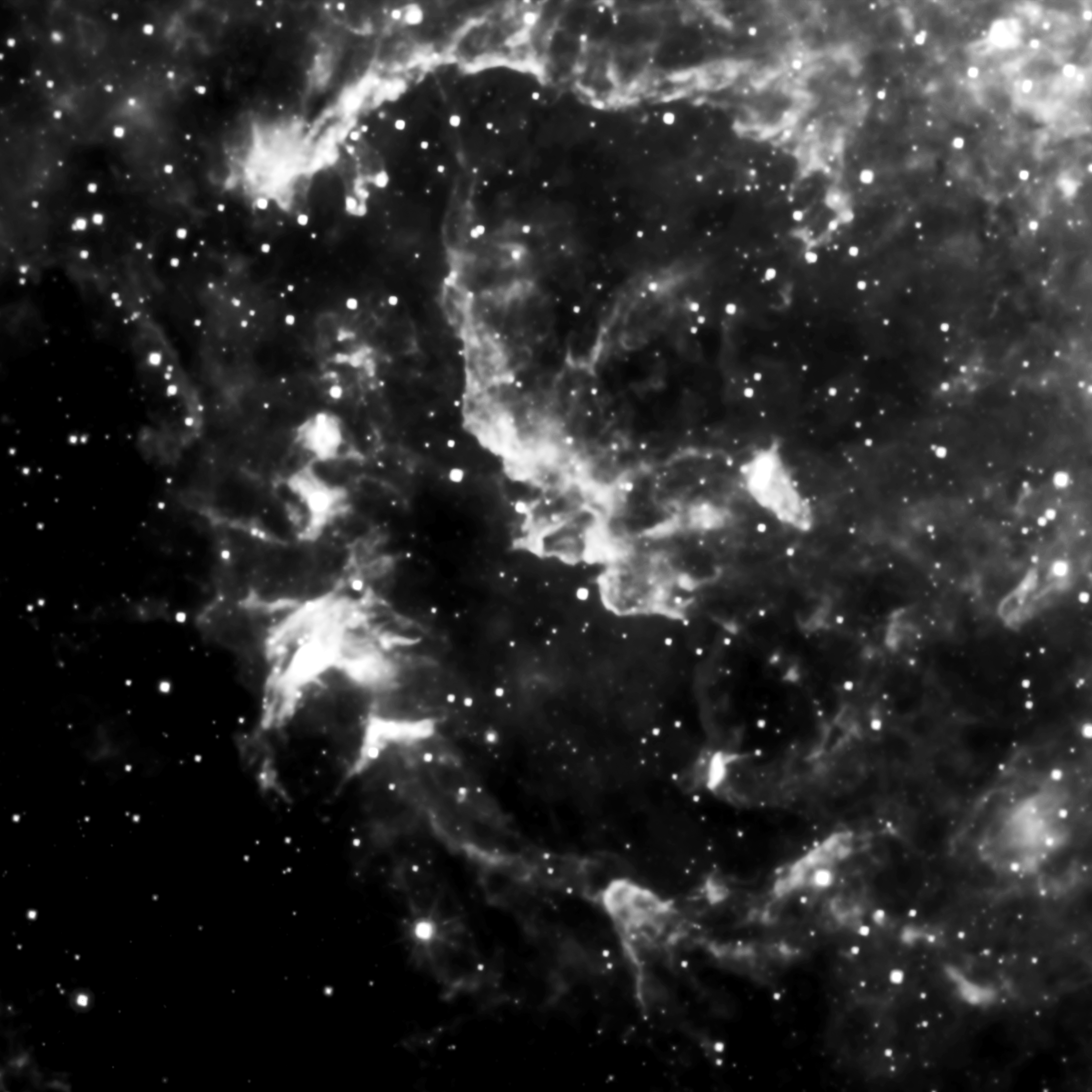
H-alpha = RED
O-III = GREEN
SII = BLUE
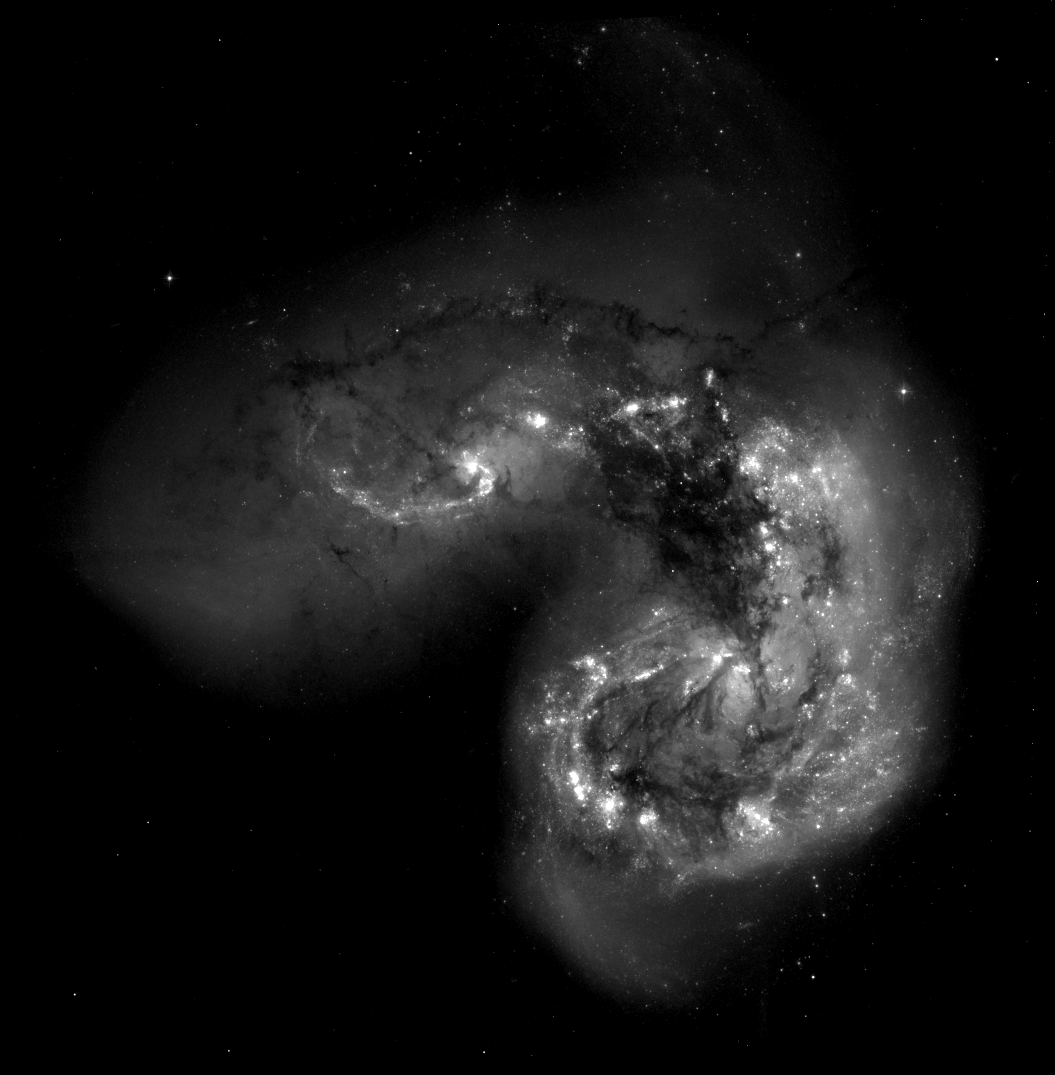
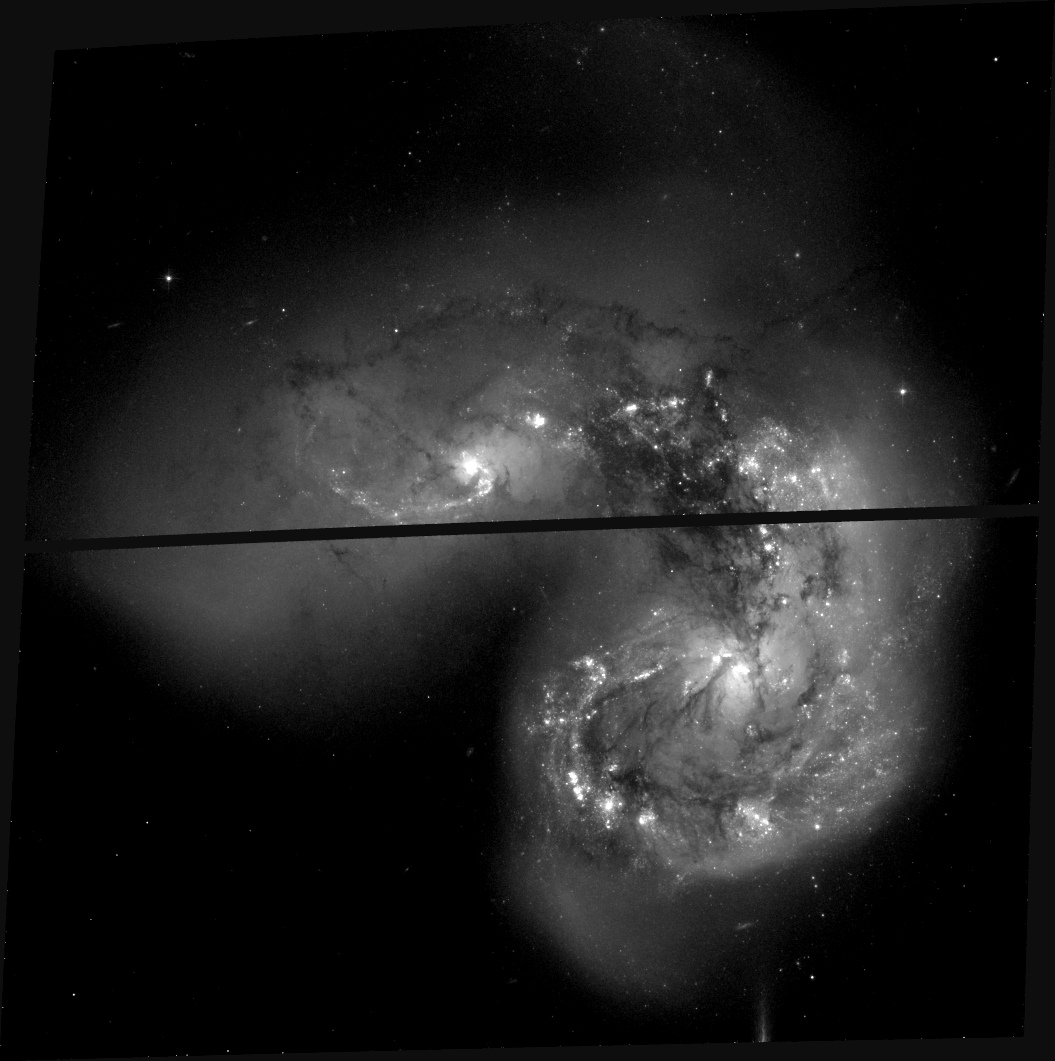
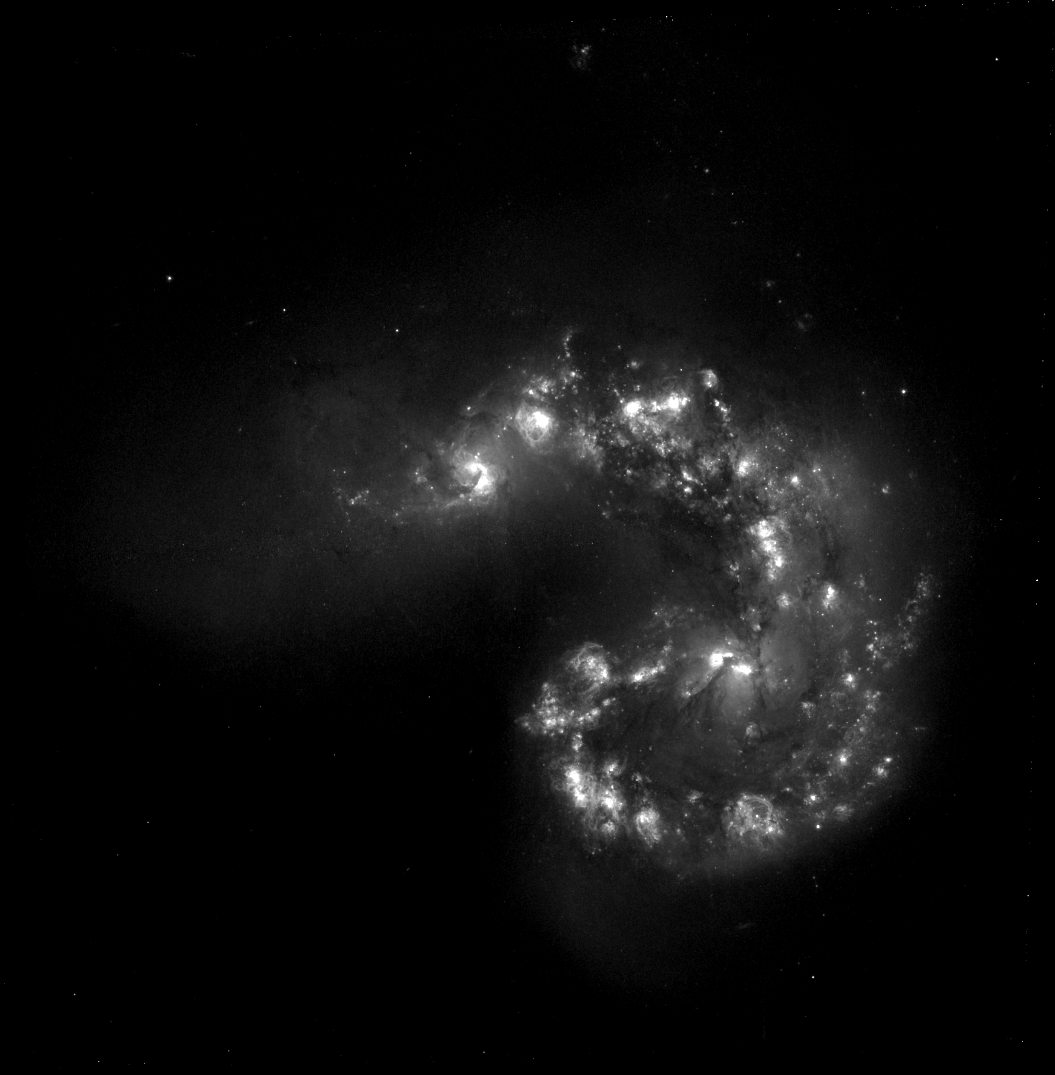
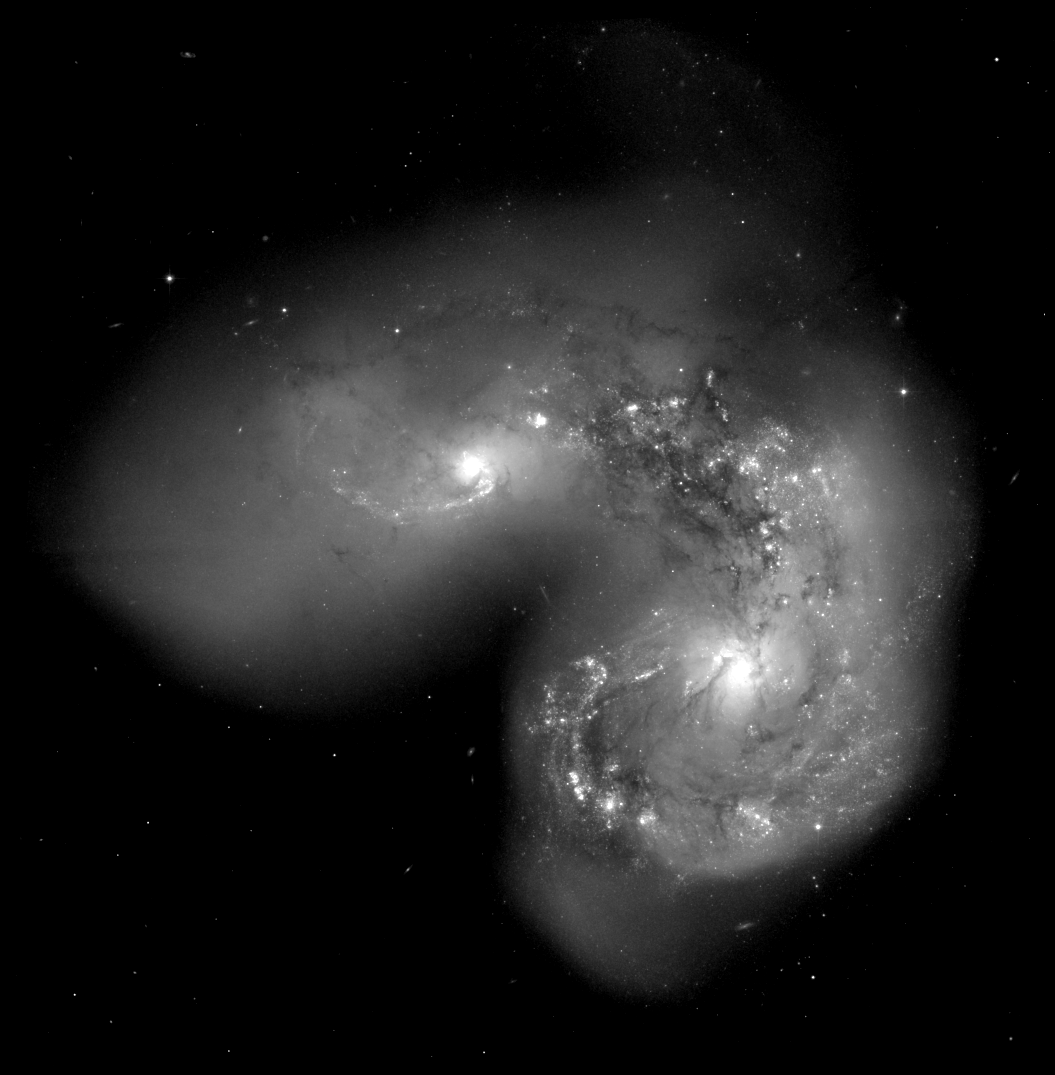
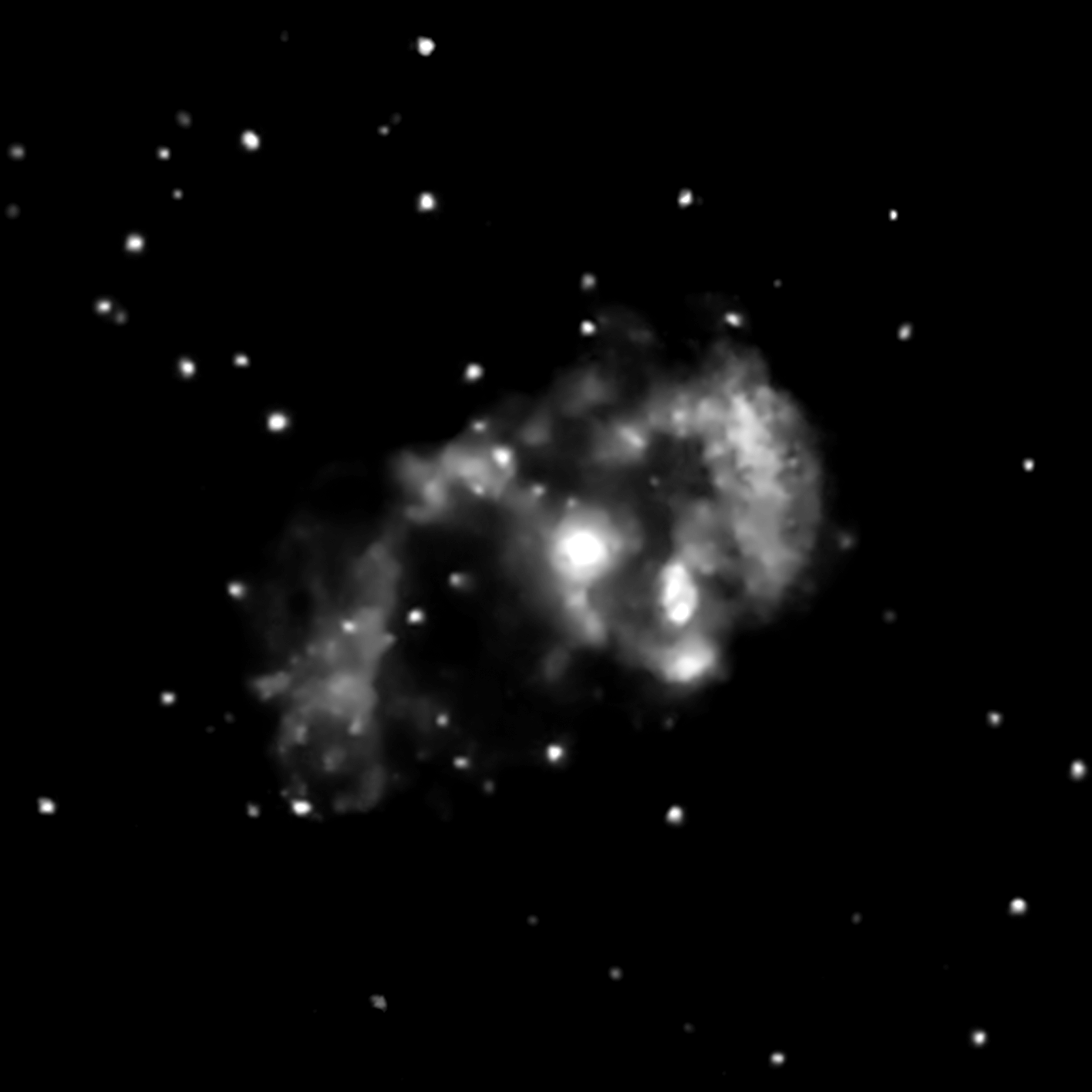
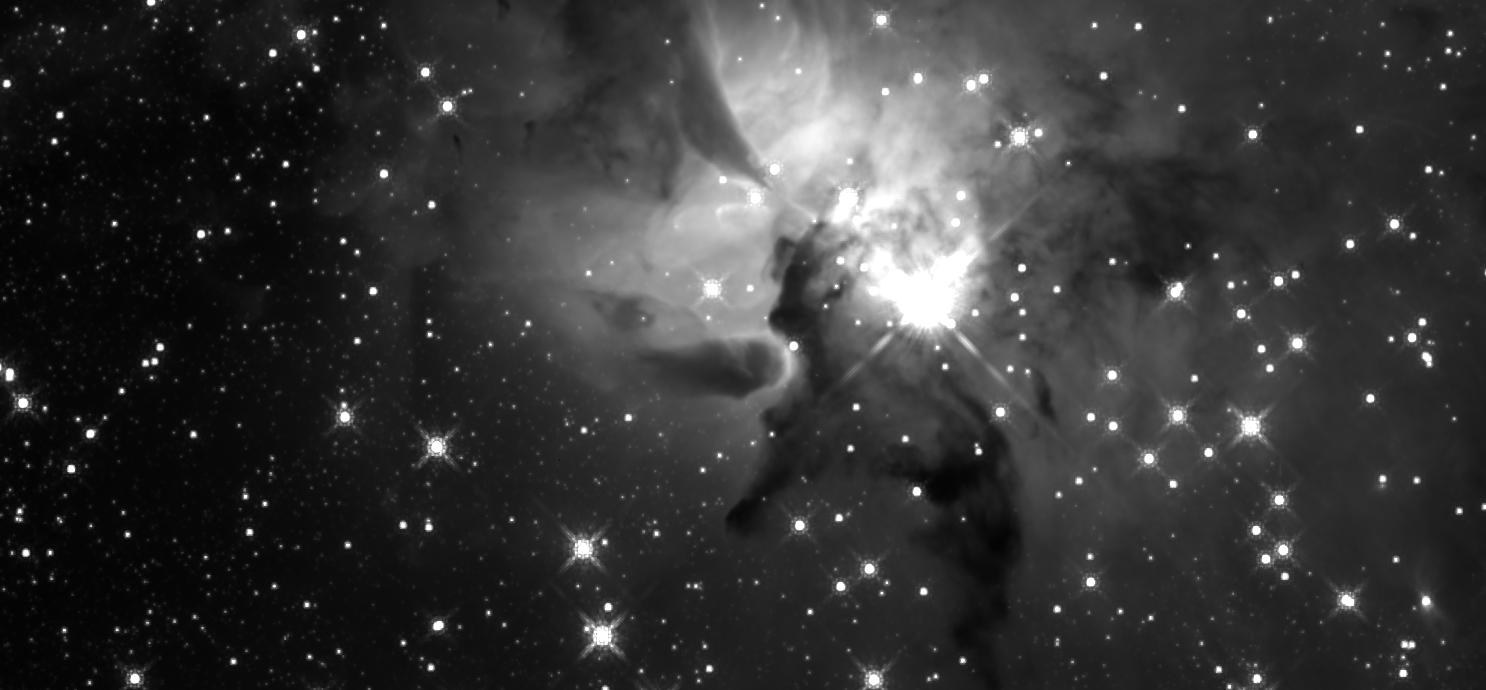
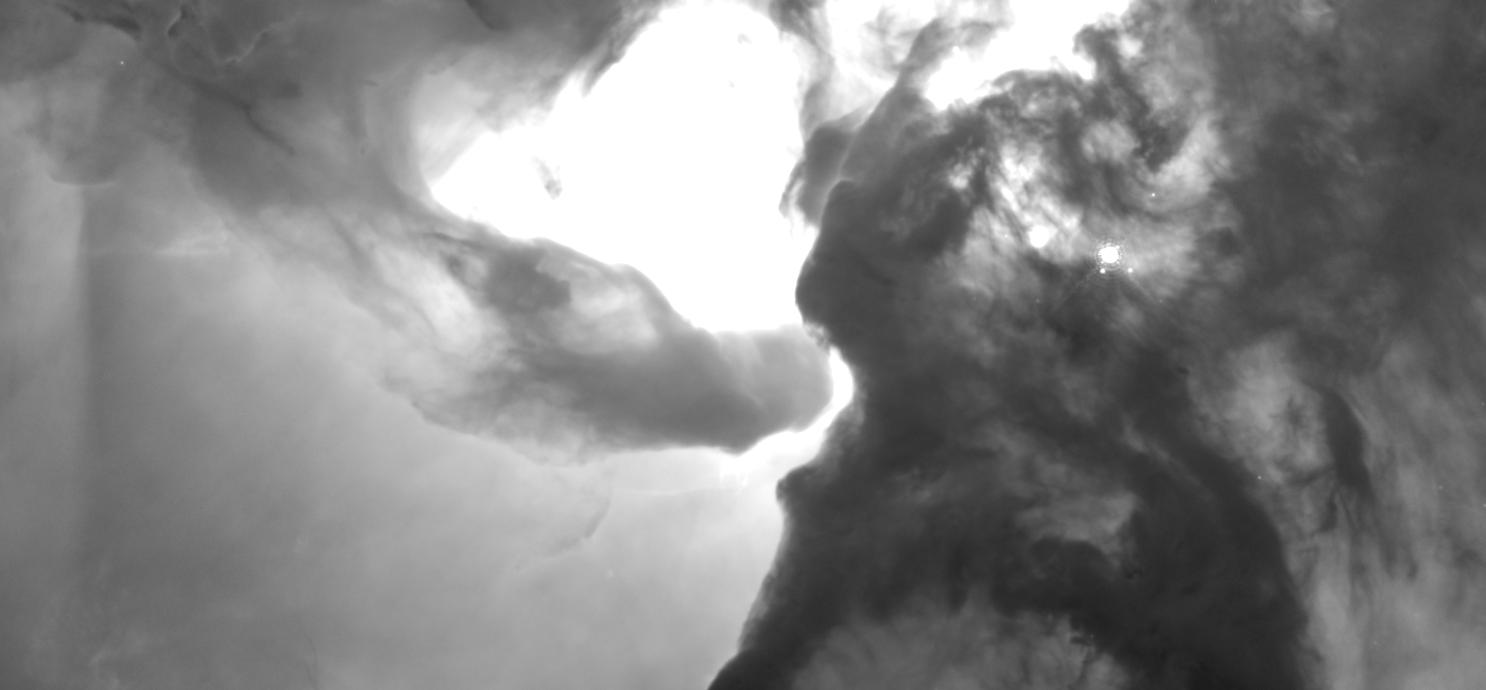
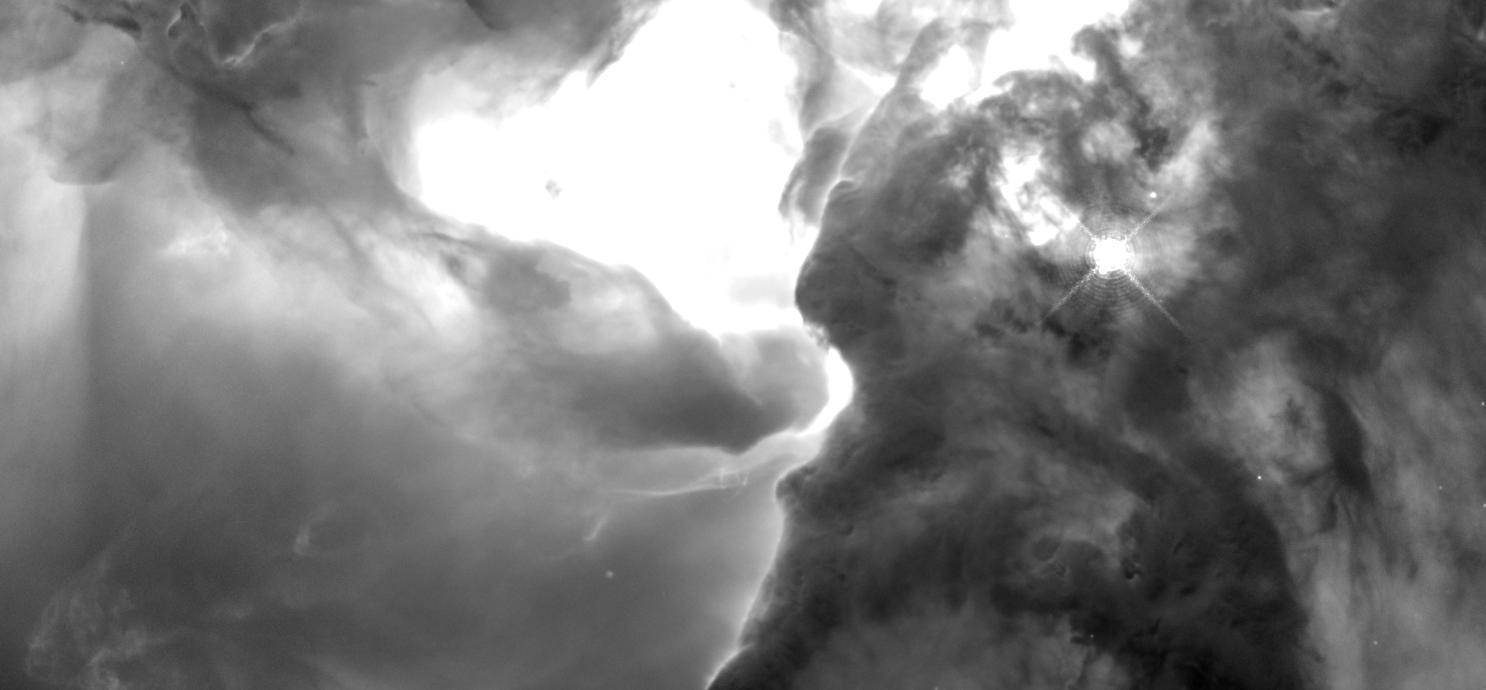
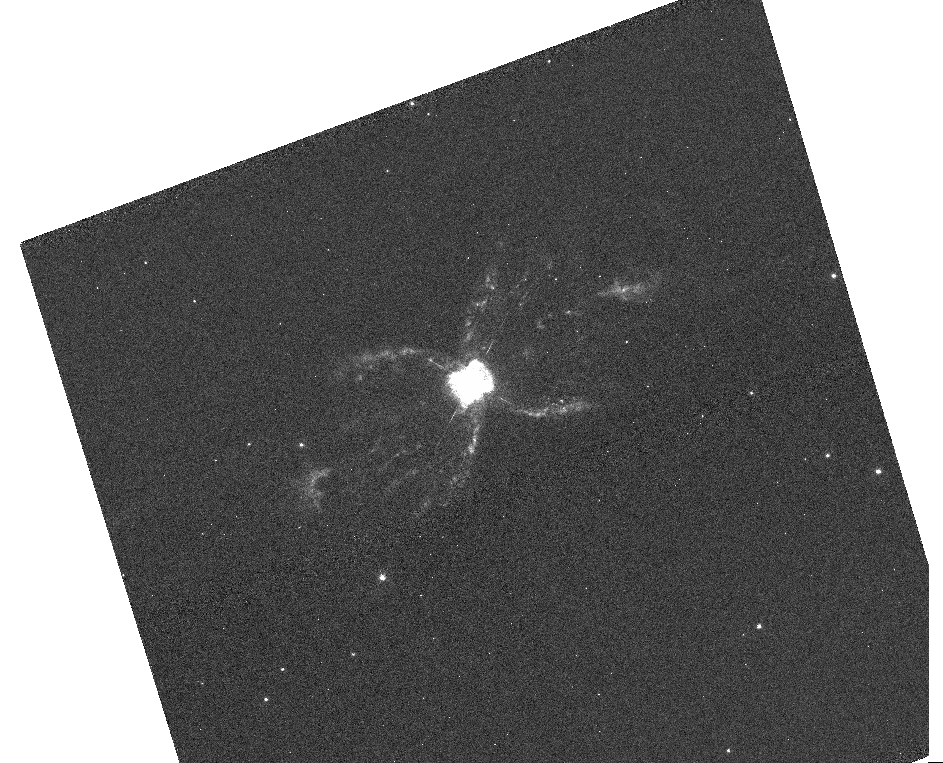
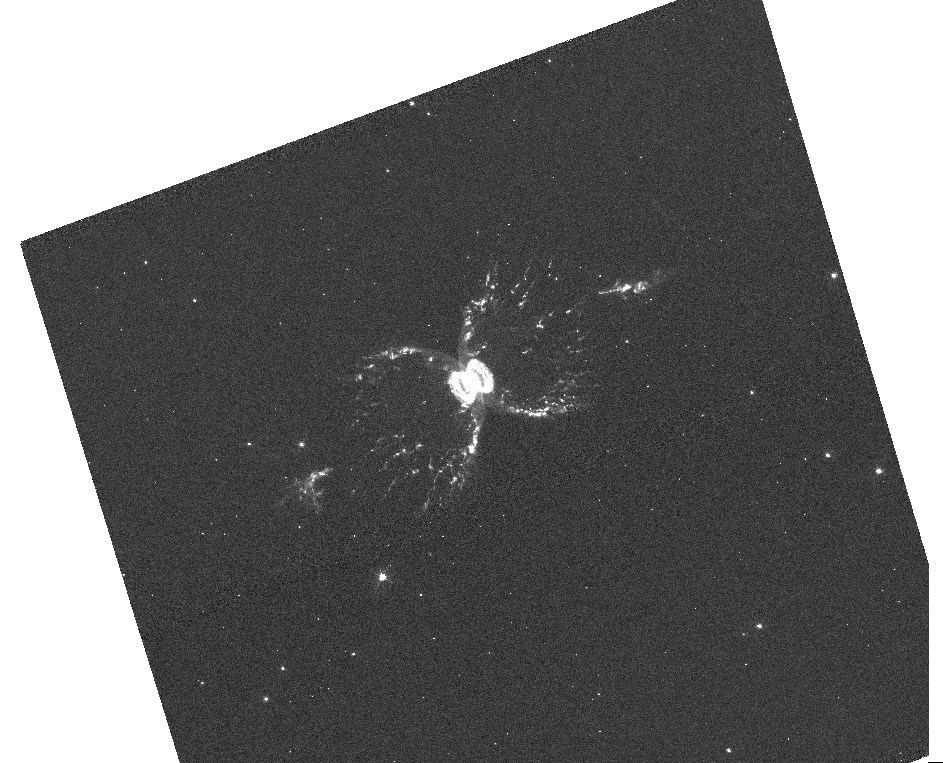
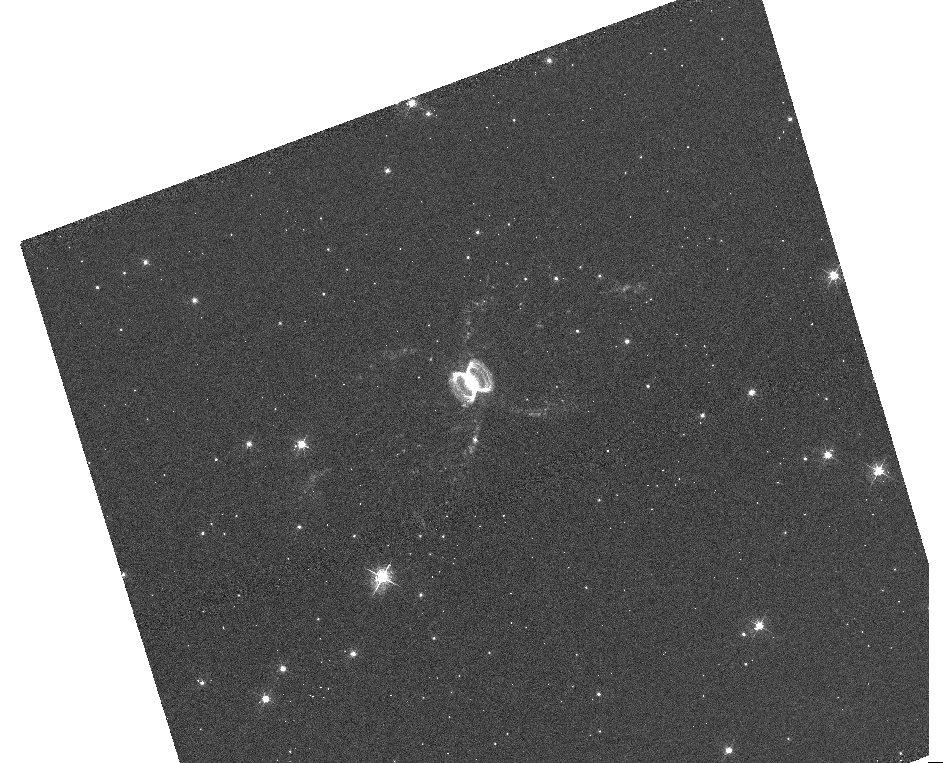
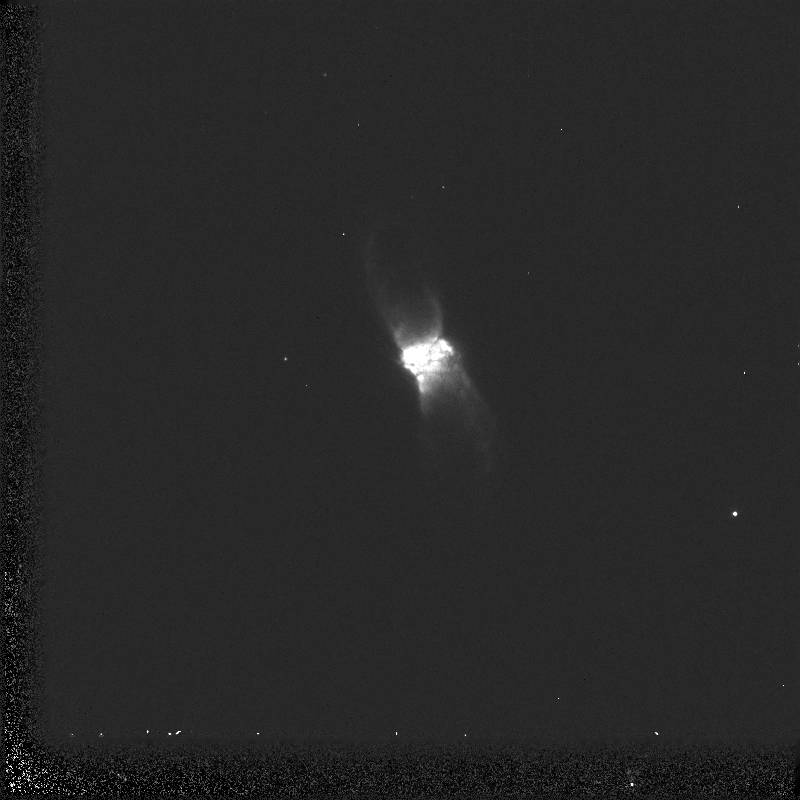
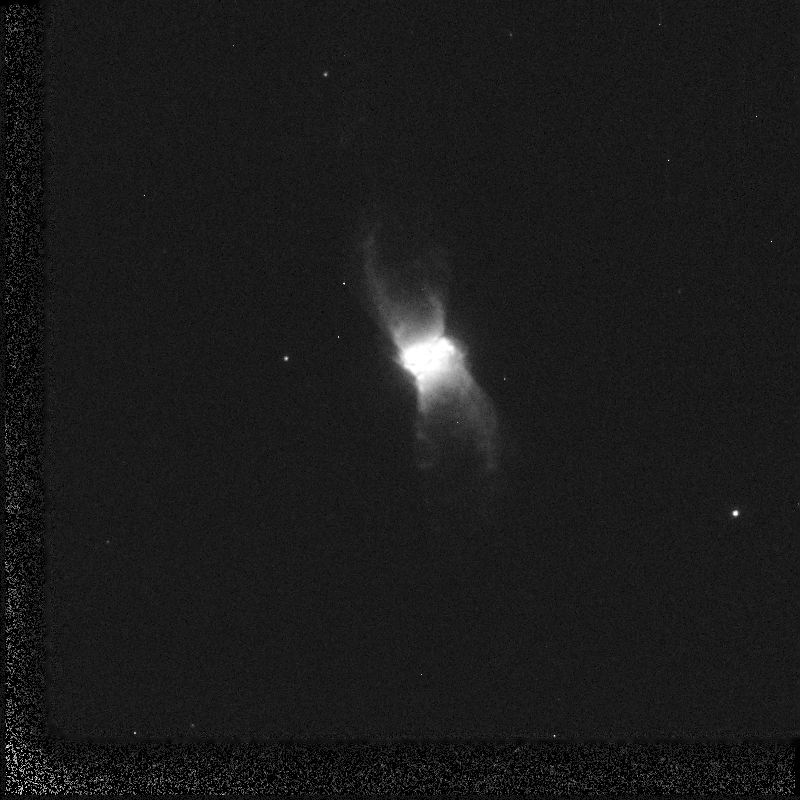
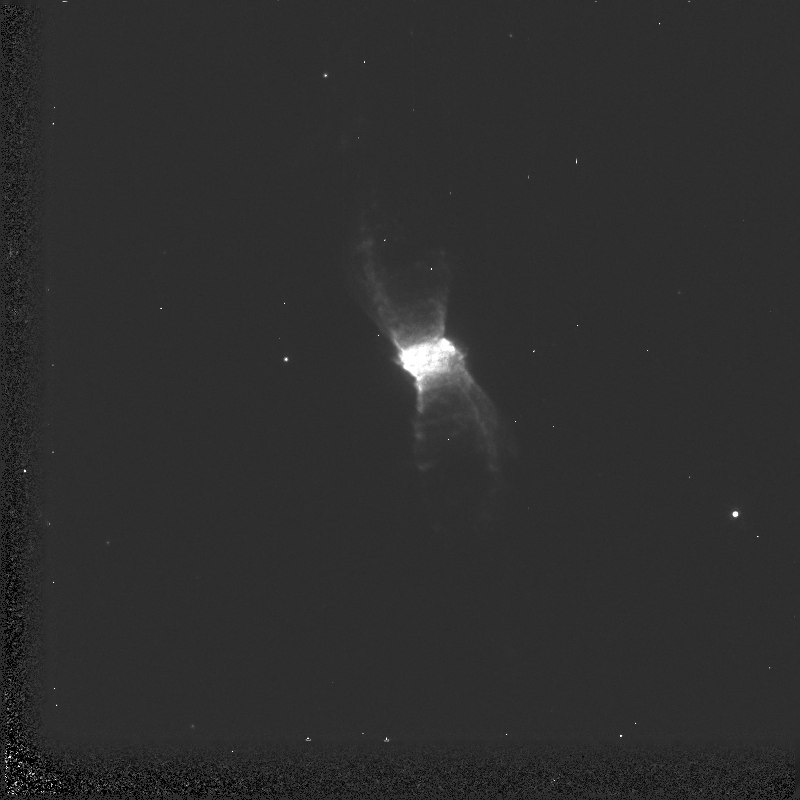
Antennae Galaxies (colliding) Bug Nebula Carina EC82 - Serpens Nebula (in IR so you are free to choose your own colors) eta carinae (xray - choose your own colors!) Horsehead Nebula - This is a challenge since you'll have to manipulate only 1 image multiple times Orion Nebula - Another challenging image, but these are BIG files so lots of opportunity M8: The Lagoon Nebula (Note the "N" in the name... hint hint!)
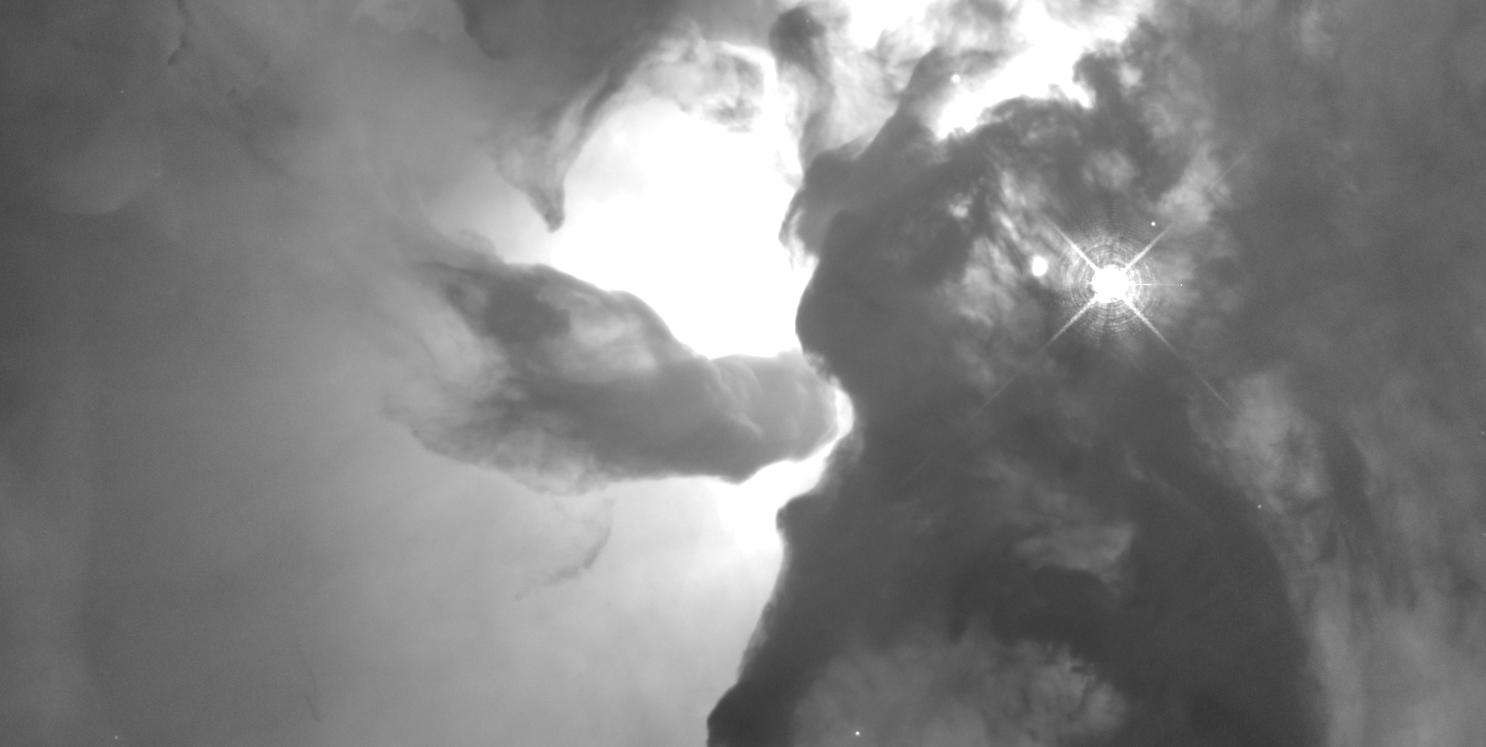
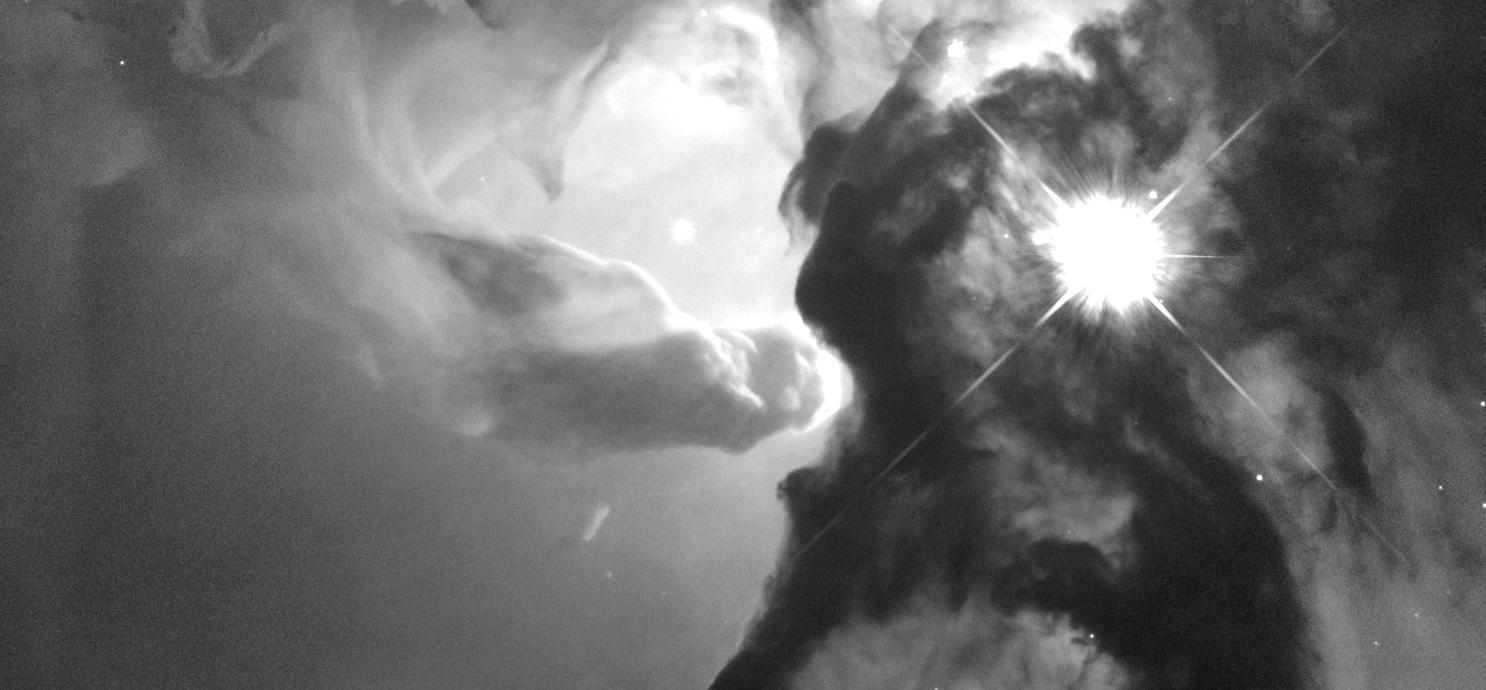
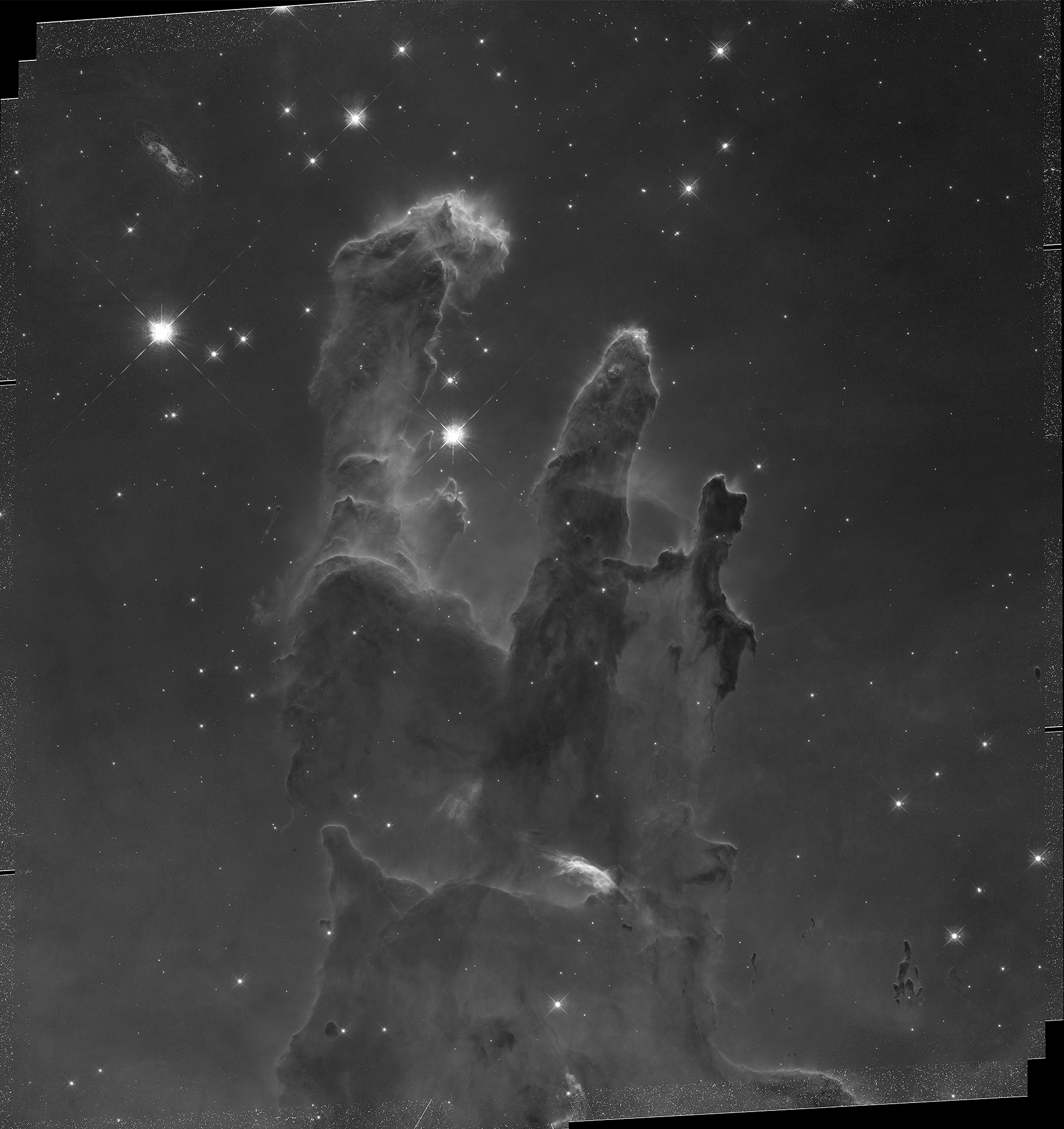
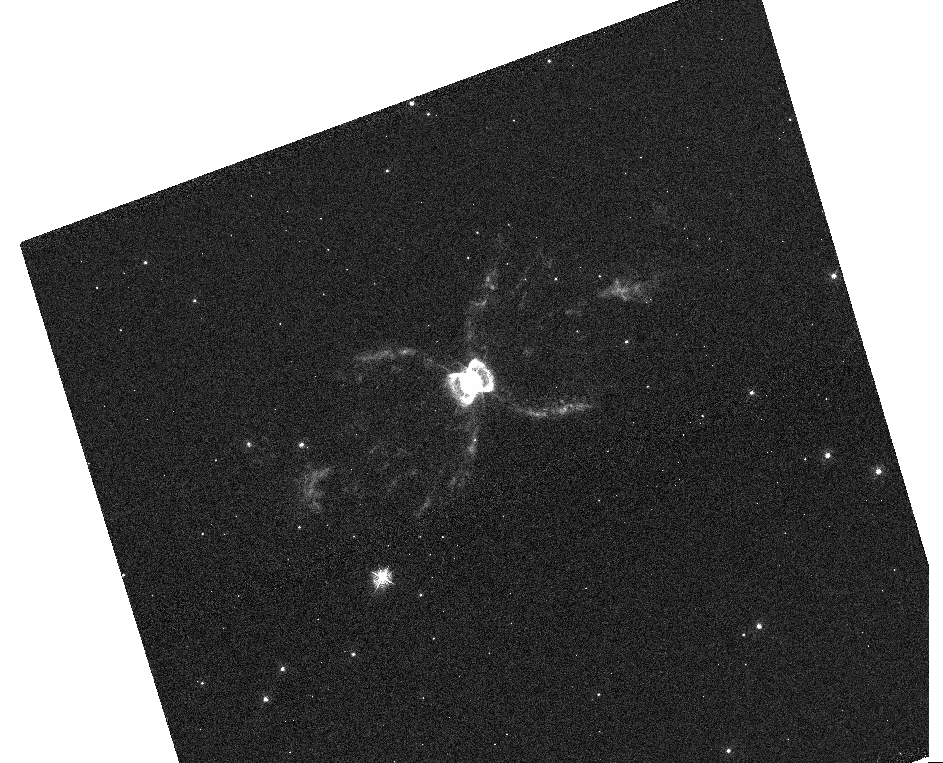
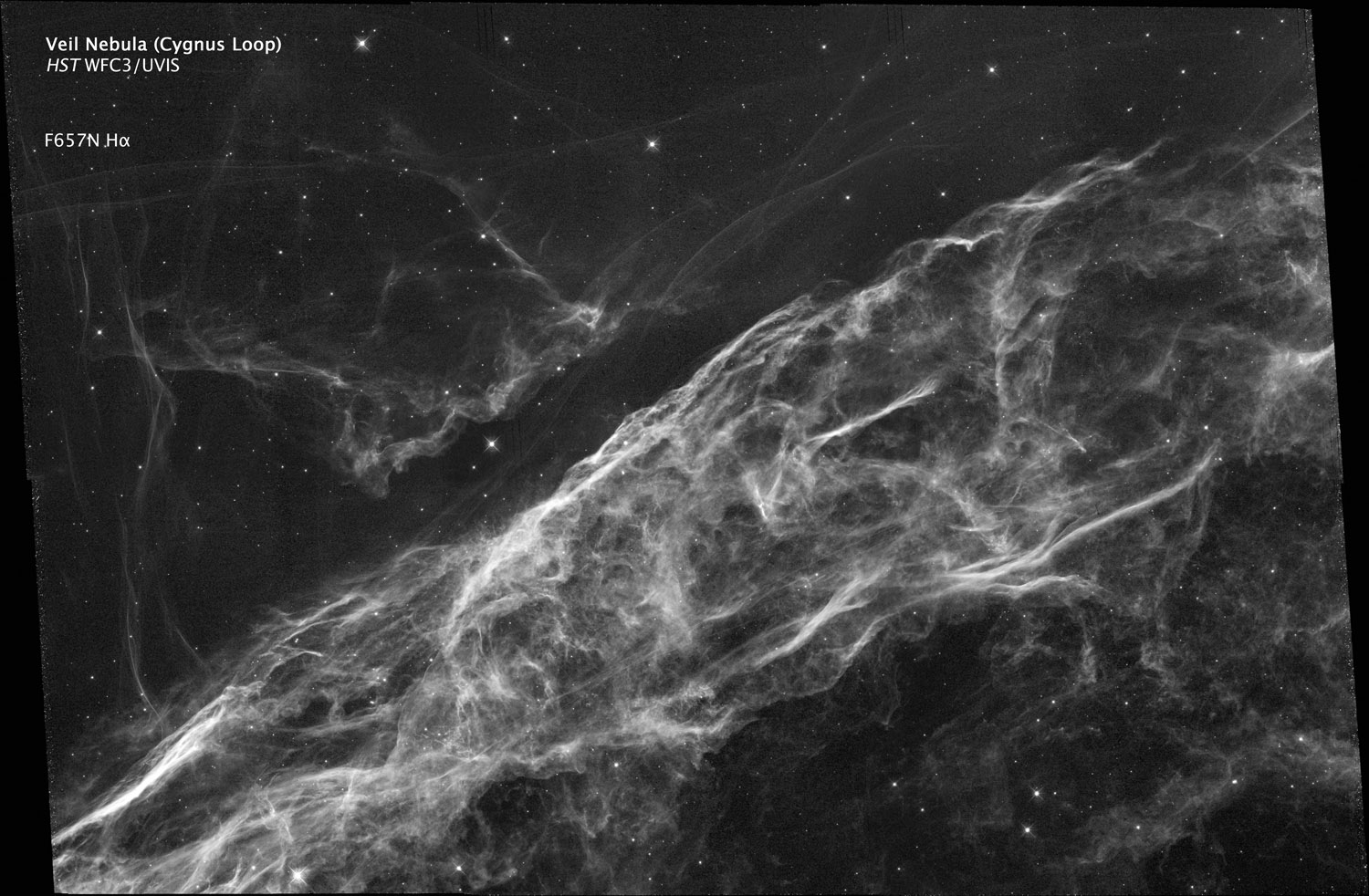
M16: Pillars of Creation Southern Crab Nebula (Note the "N" in the name... hint hint!) Veil Nebula V838 Monocerotis M31: Andromeda Galaxy (Choose your own colors) NGC-1512 Spiral Galaxy (VERY colorful) NCC-4302 (Galaxy) (You'll probably want to replace the white background with black on this one) NGC-5189 (Spiral Planetary Nebula)
Check THIS out
NGC-6881 (Planetary Nebula). Research the wavelengths; you'll probably want to do choose your own color for the last one...why is that? psr B1509-58 (Pulsar)
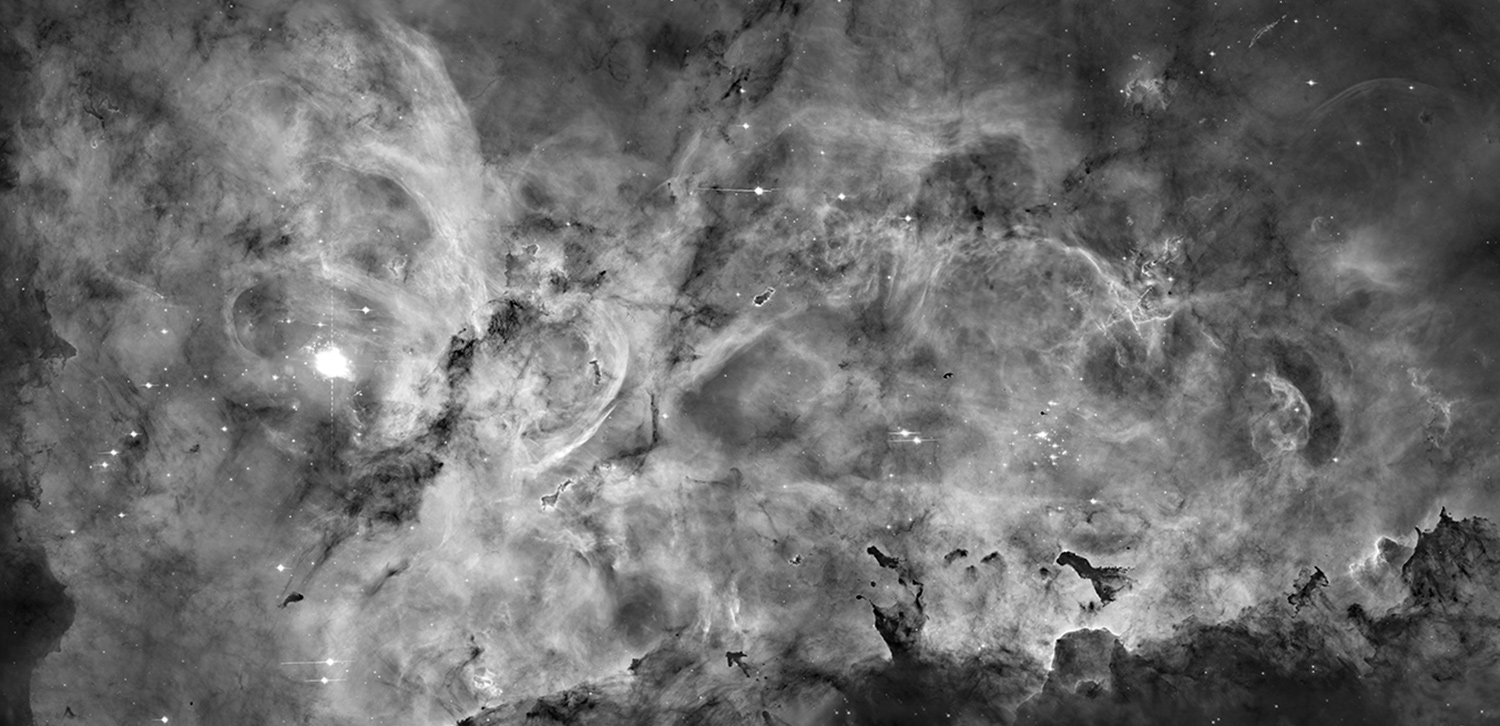
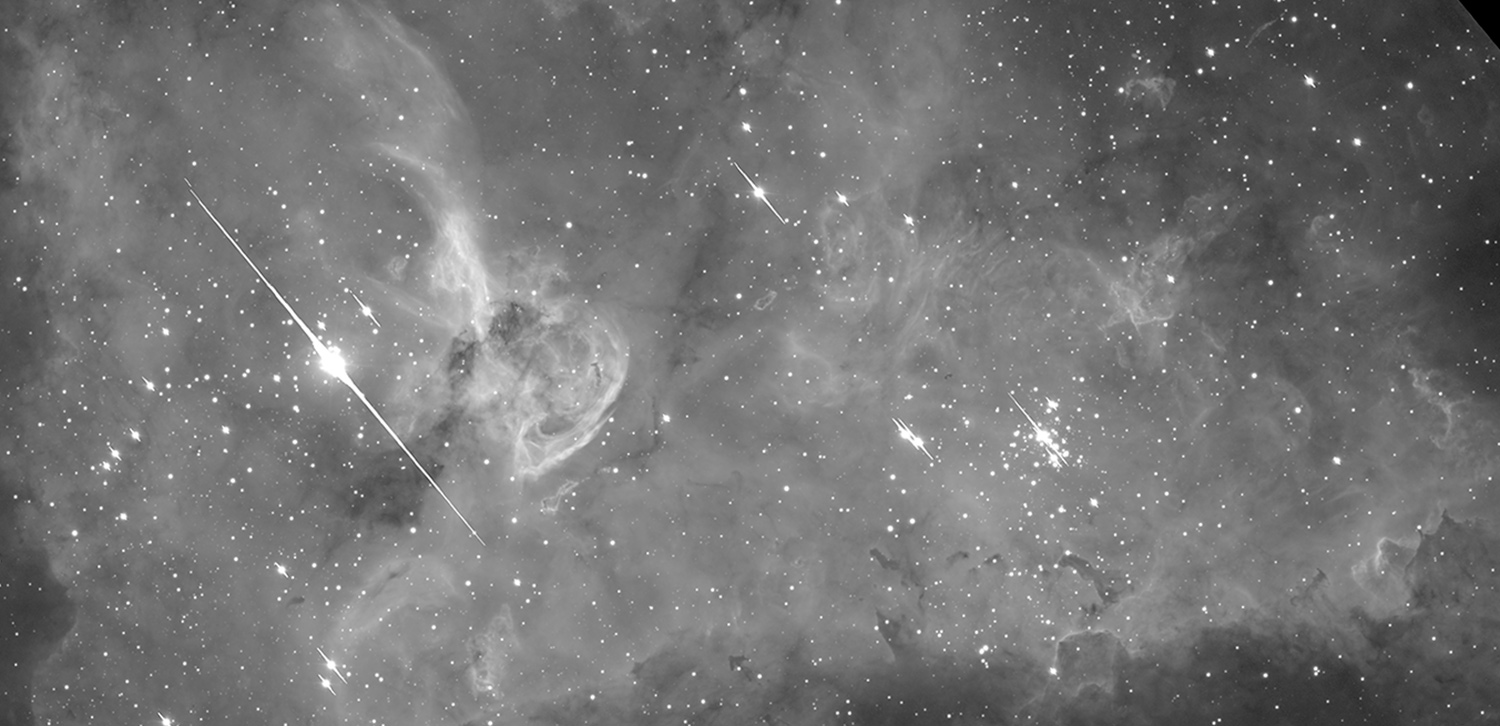
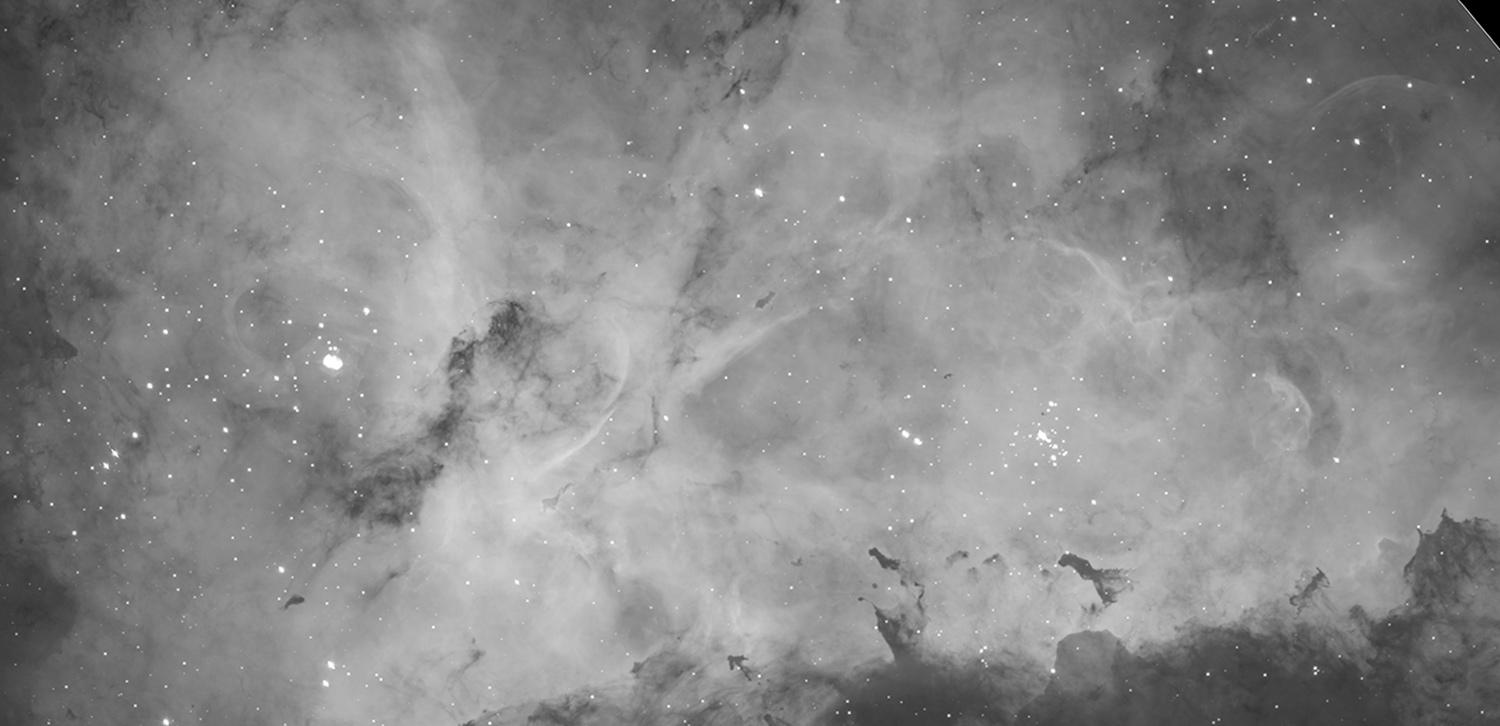
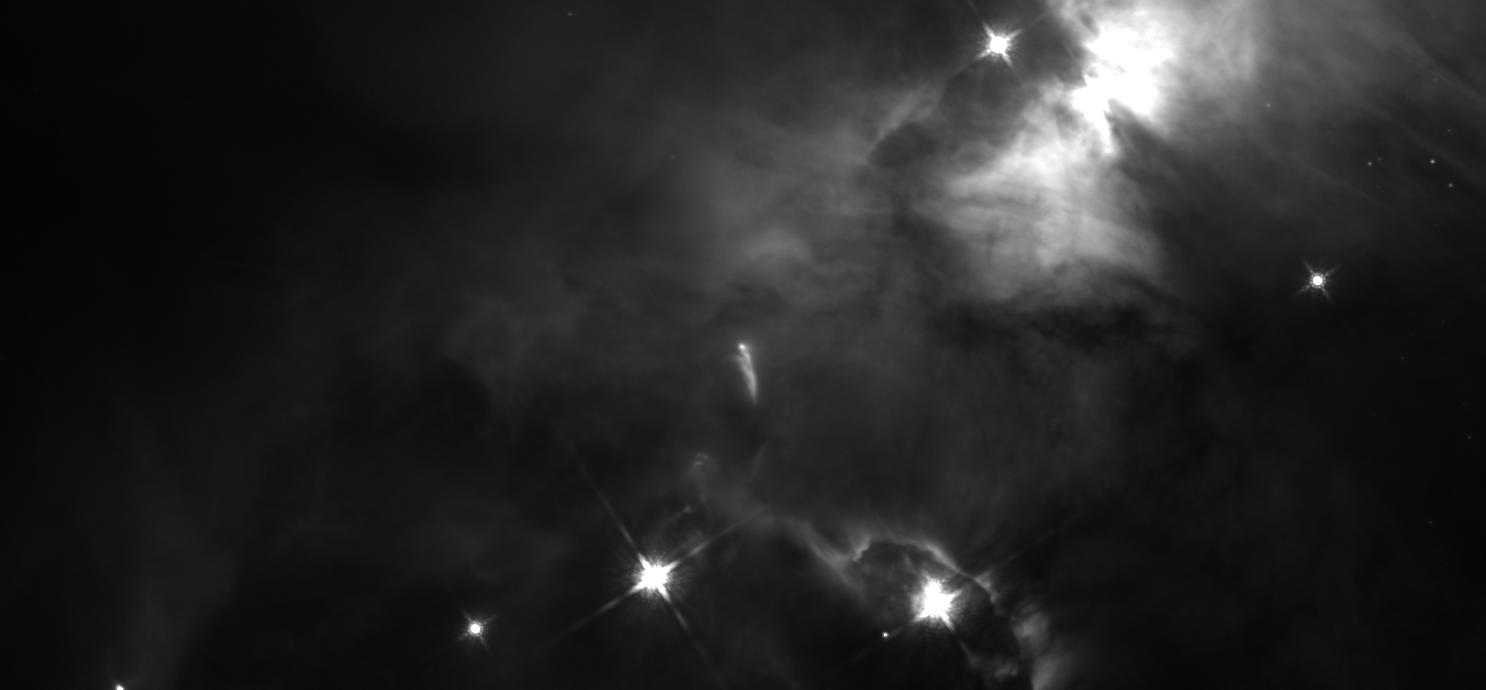
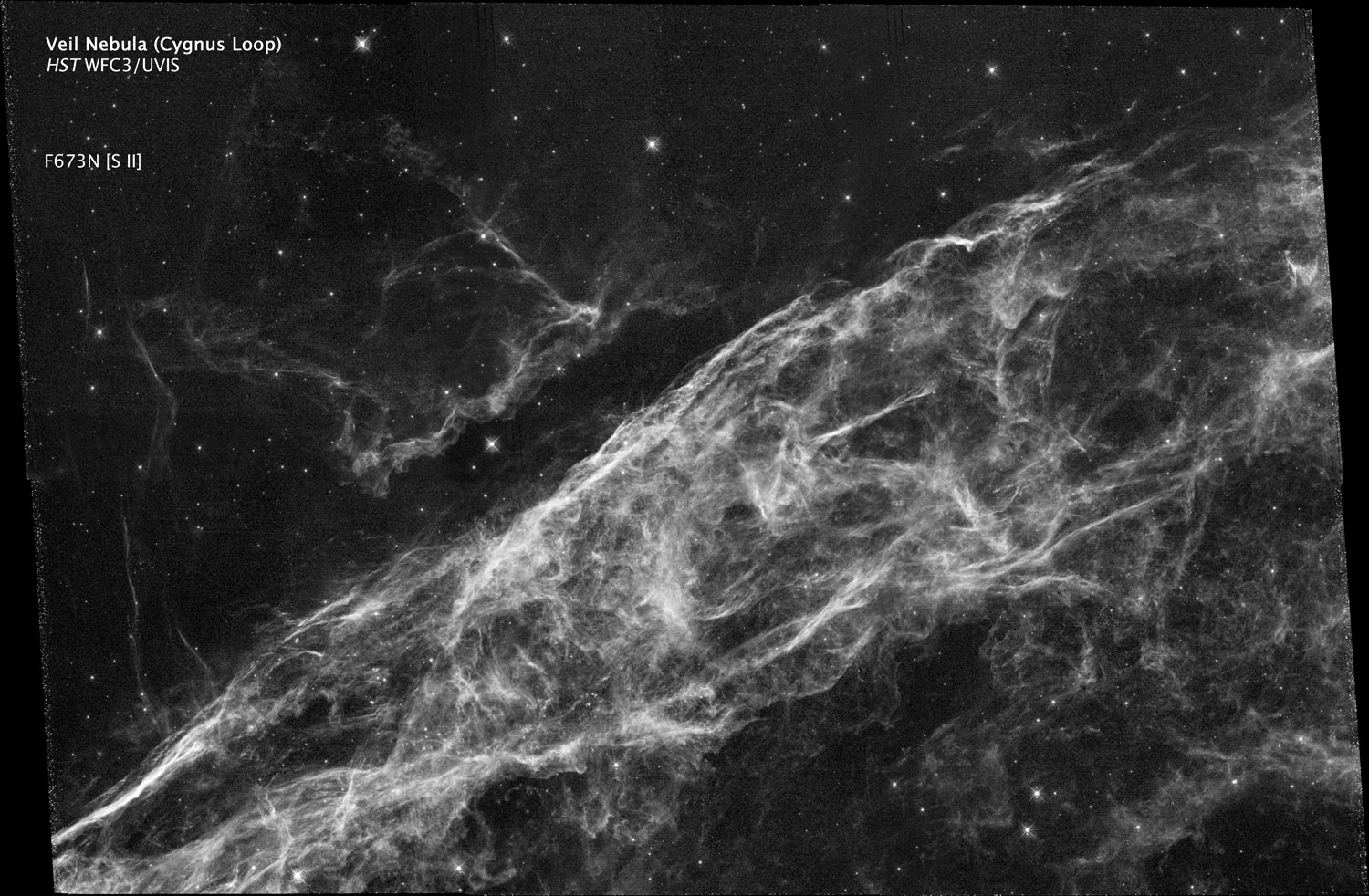
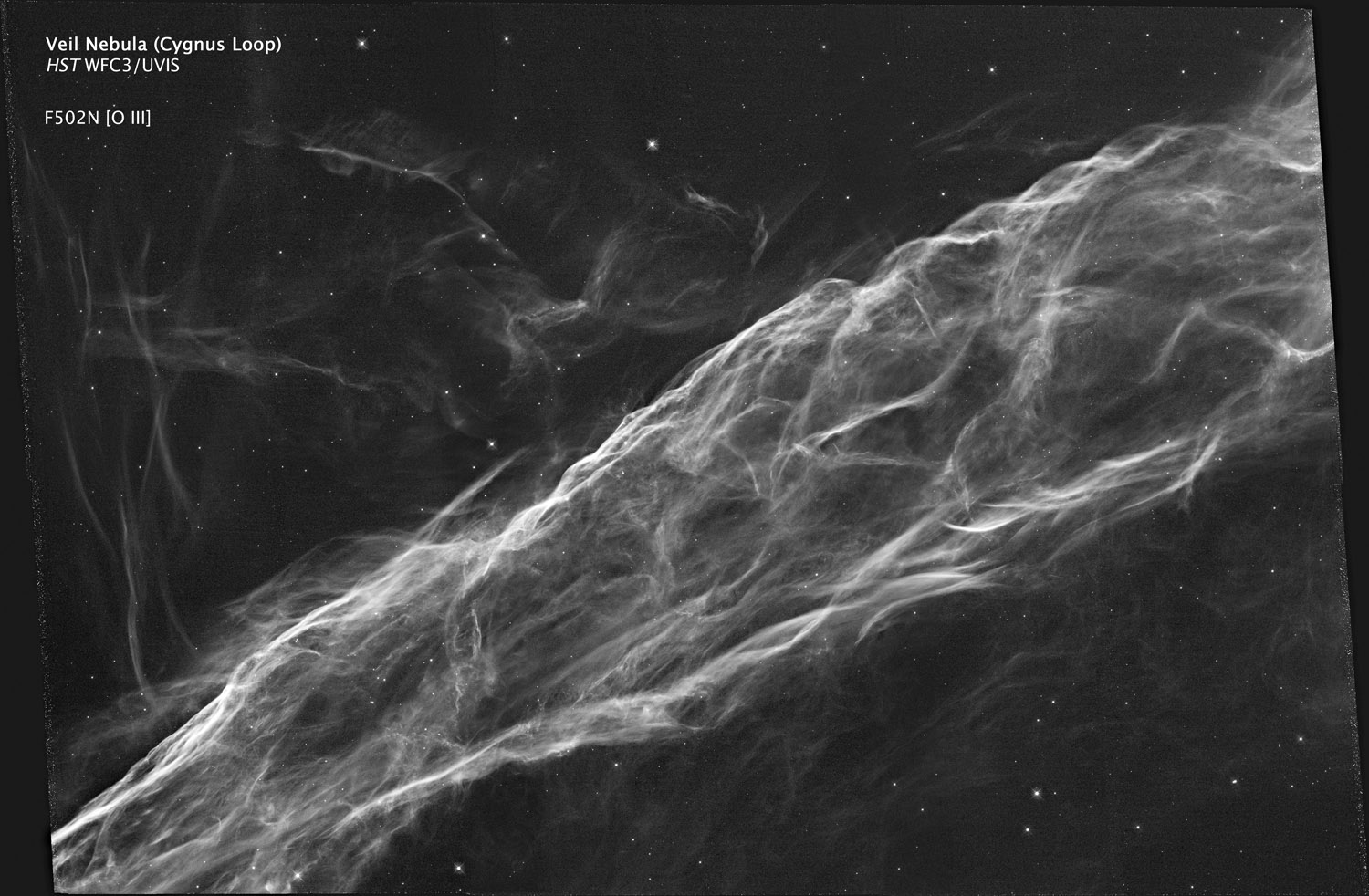
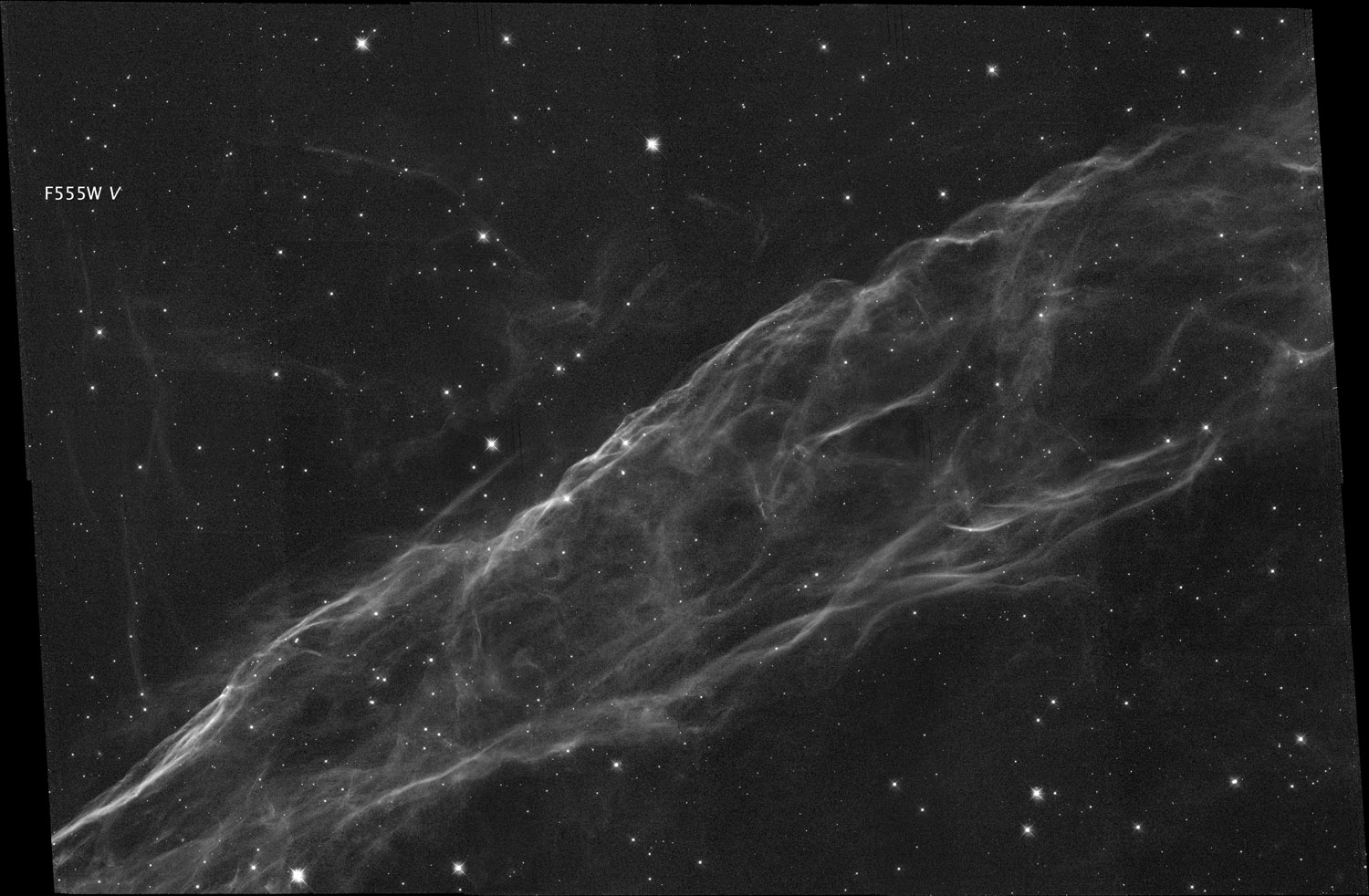
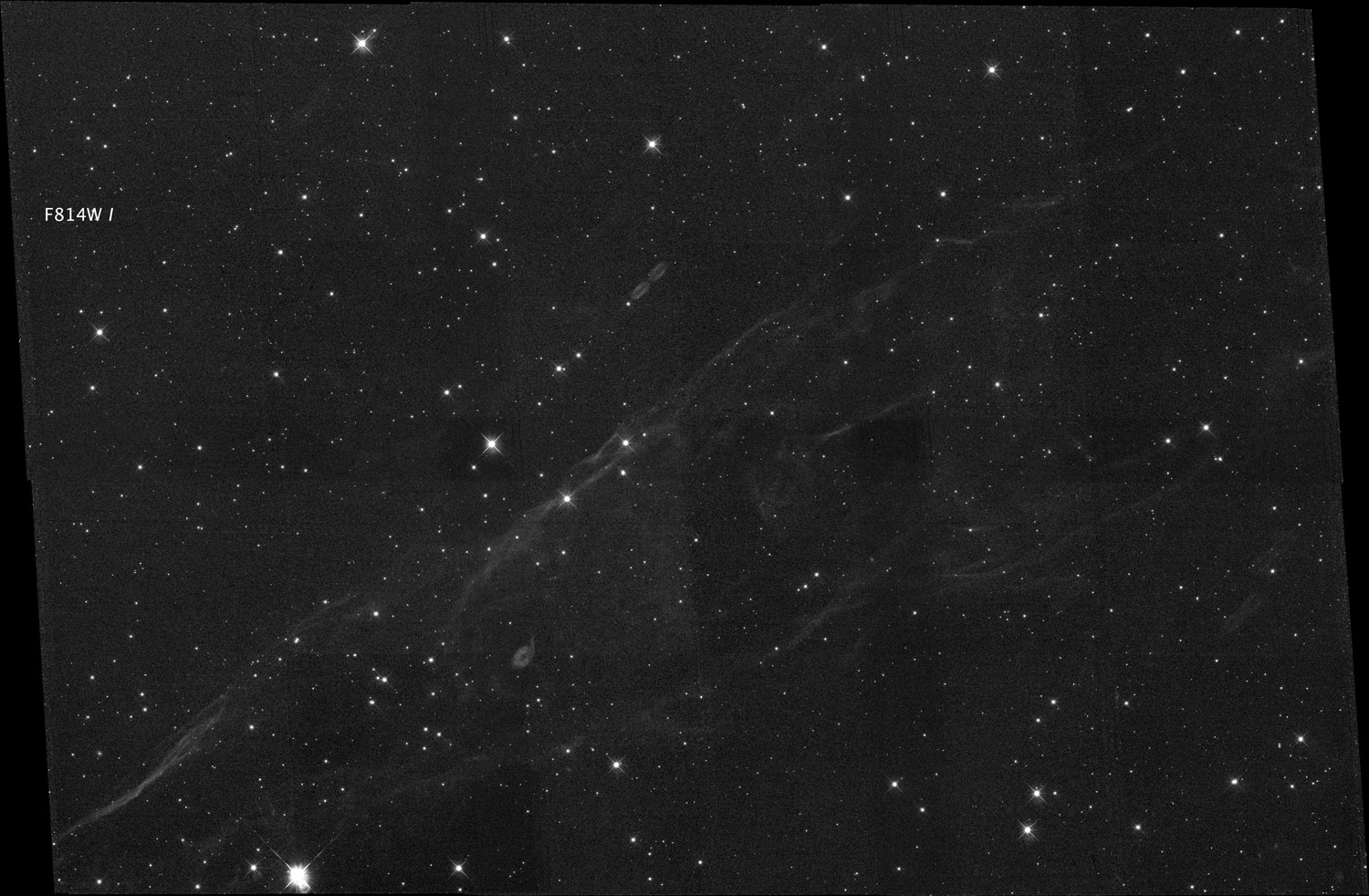
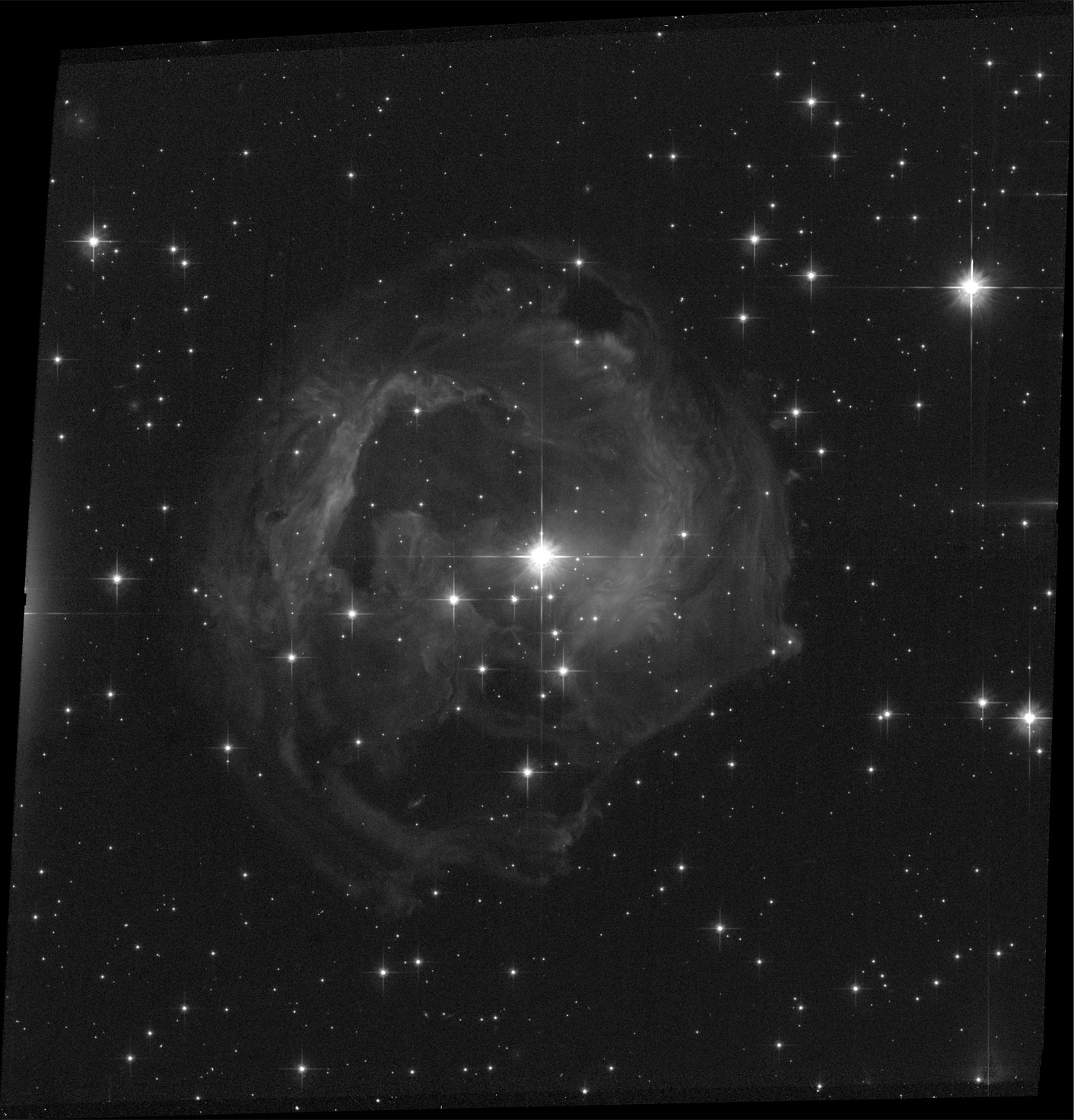
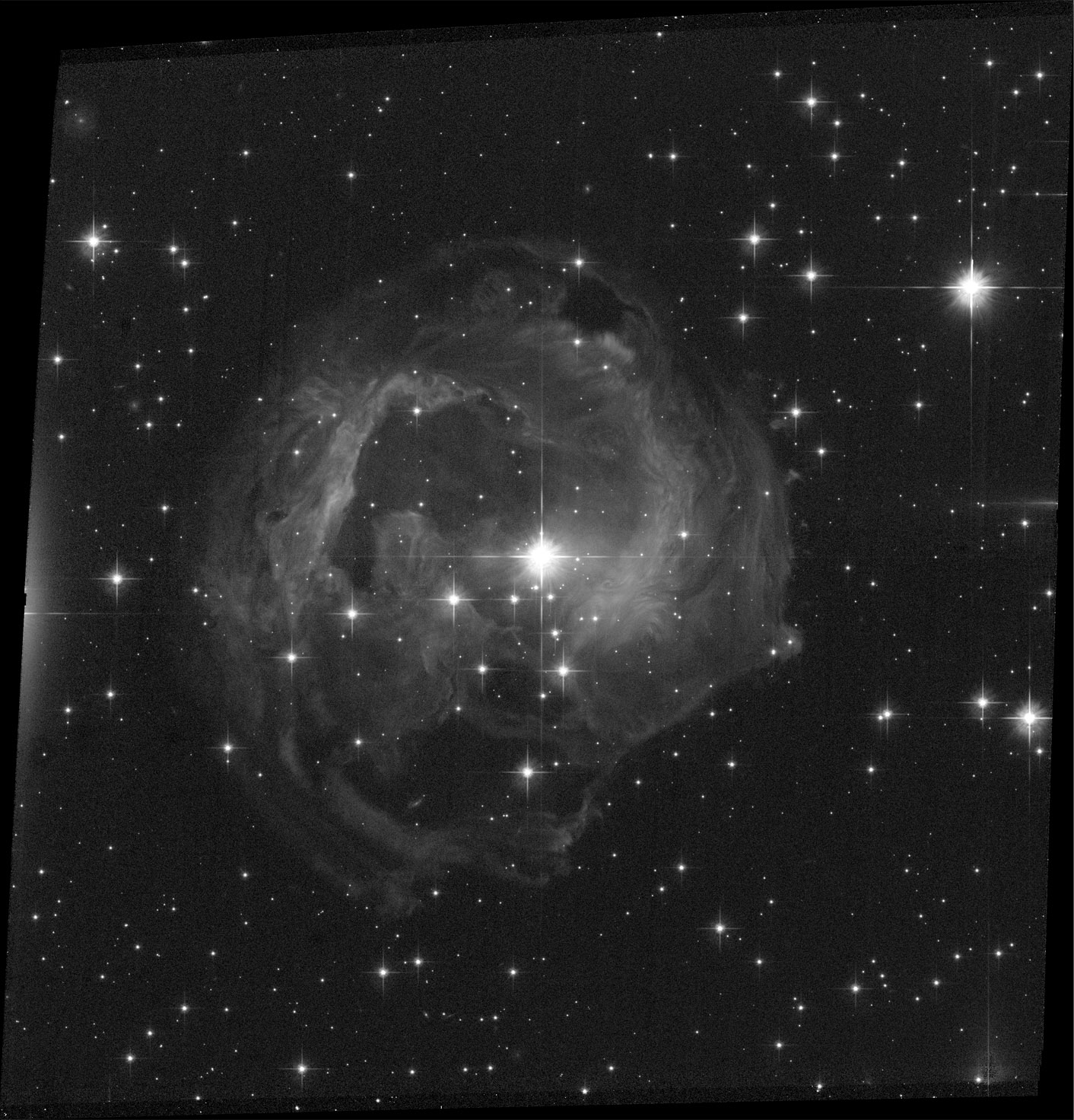
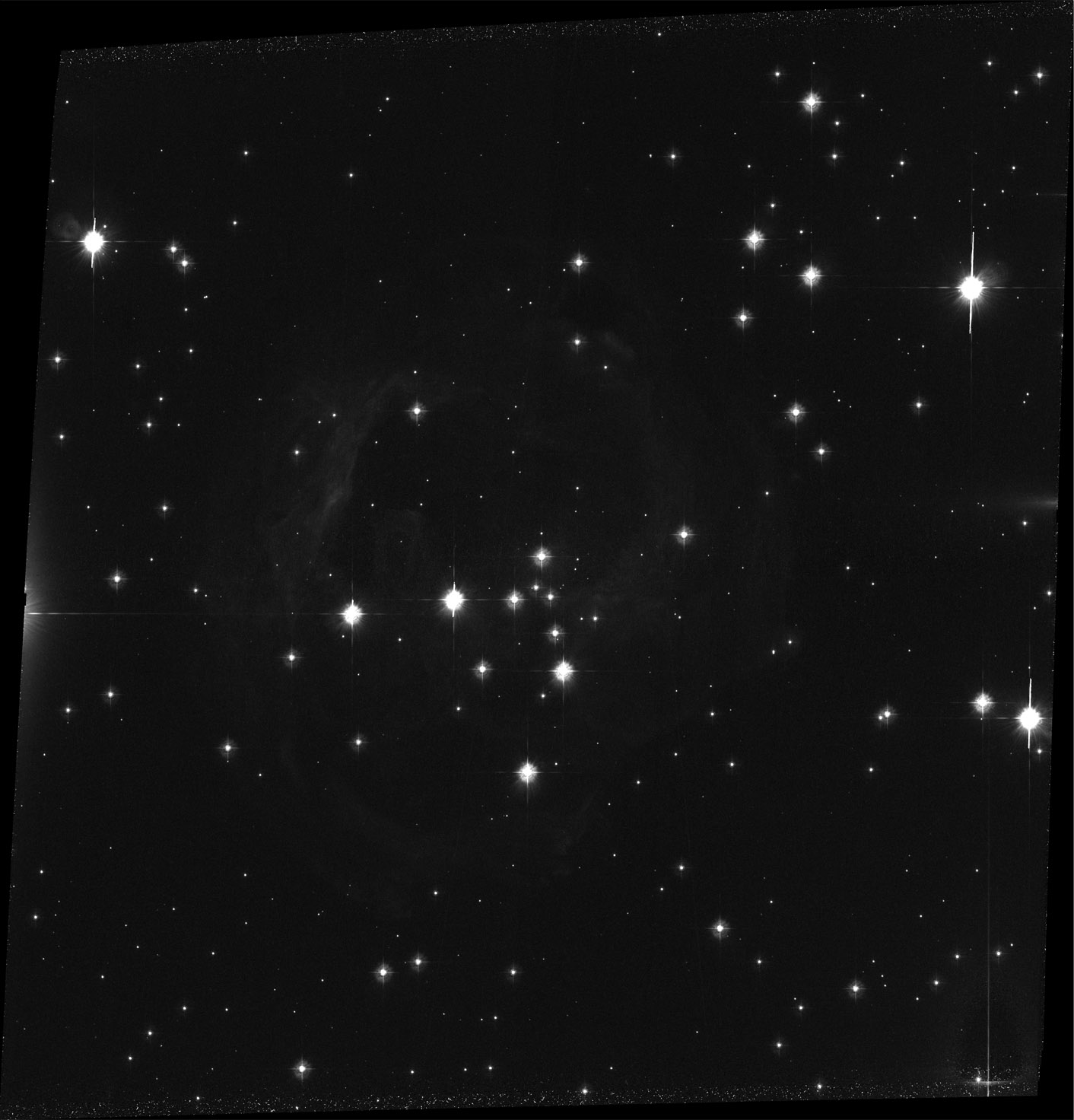
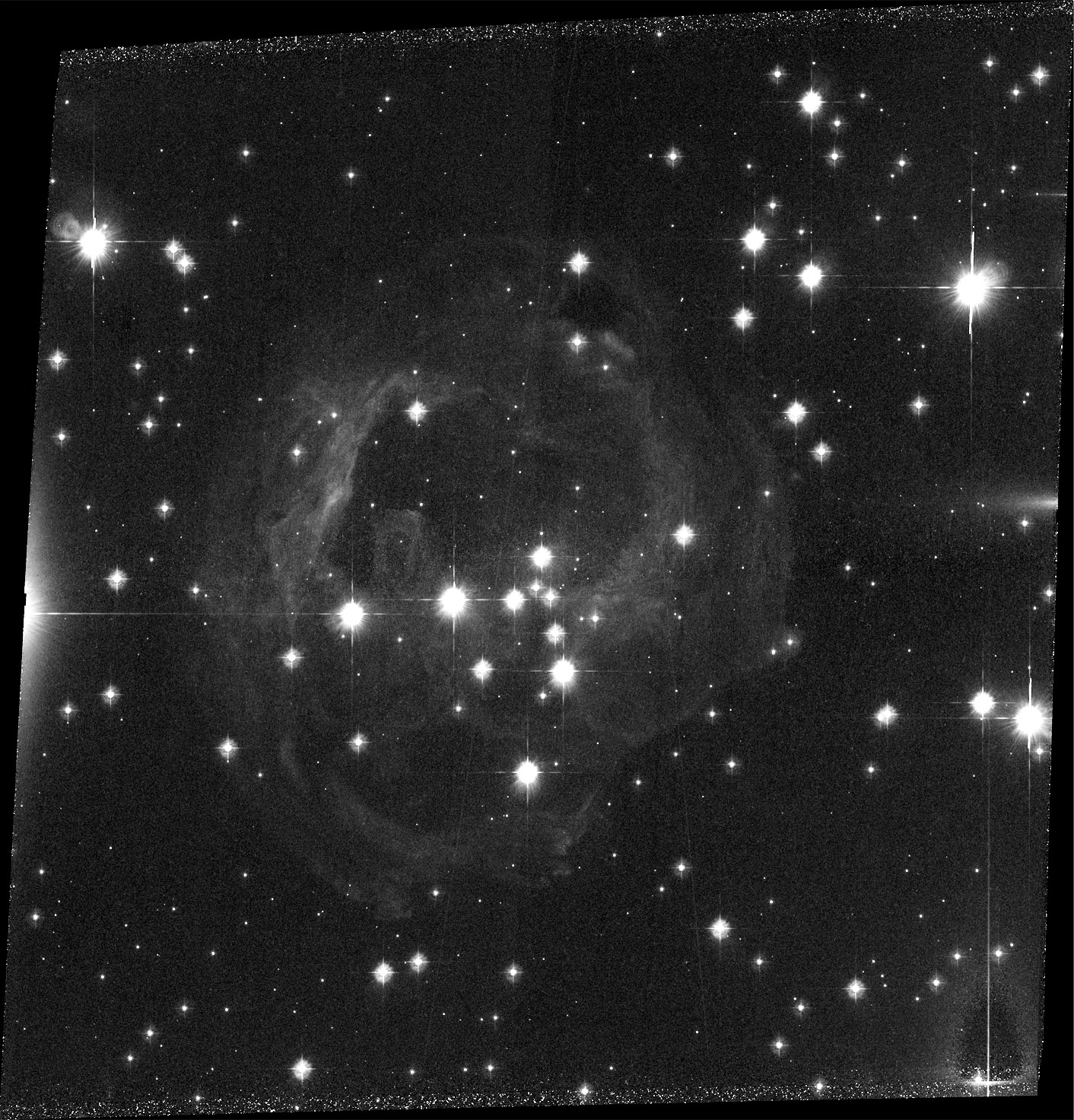



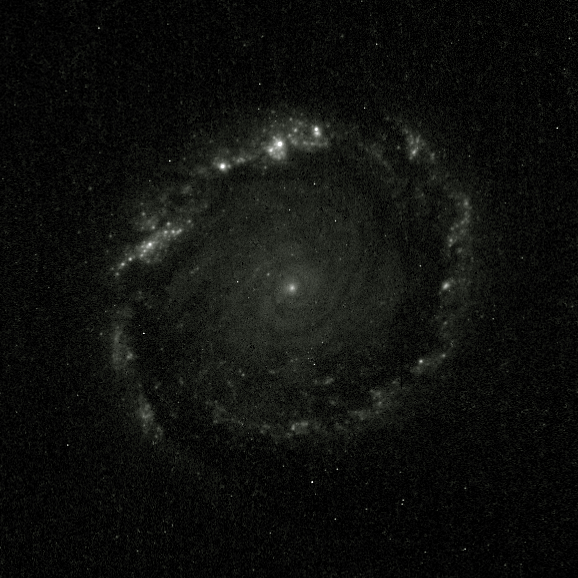
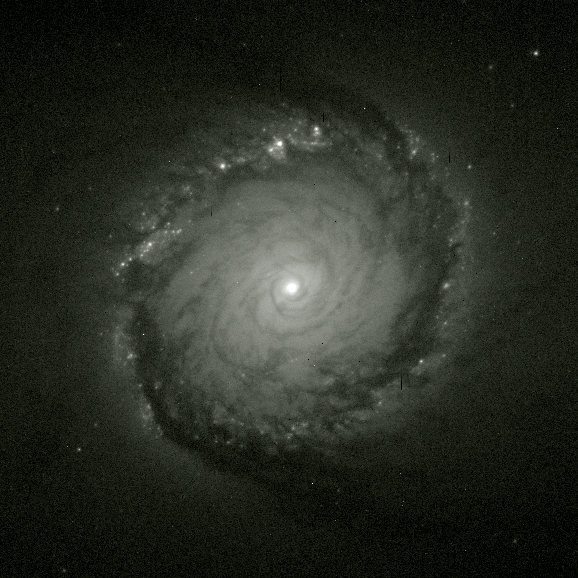
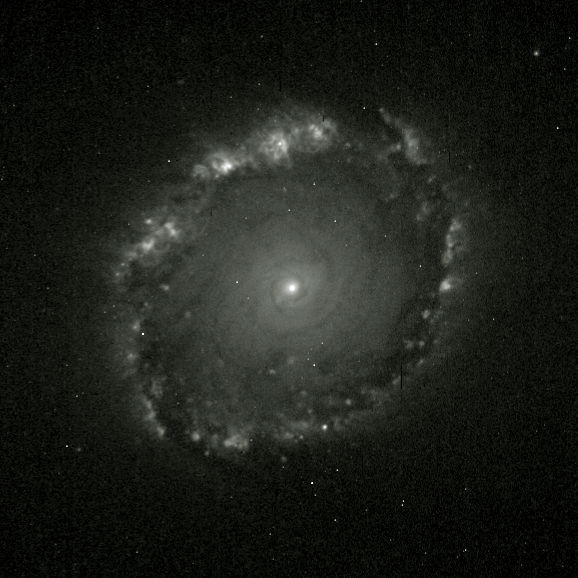
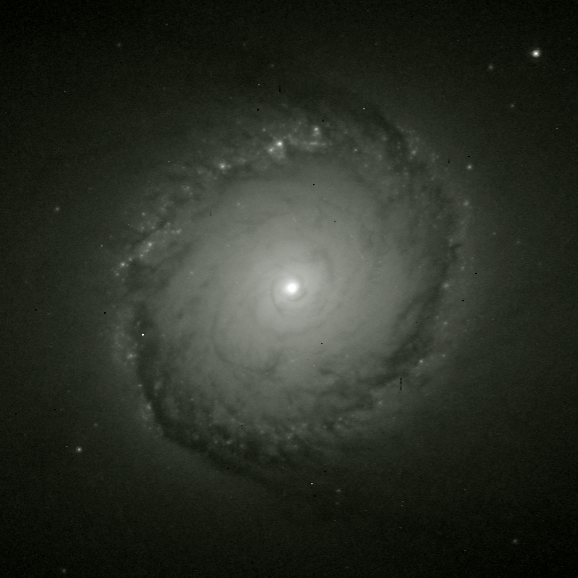
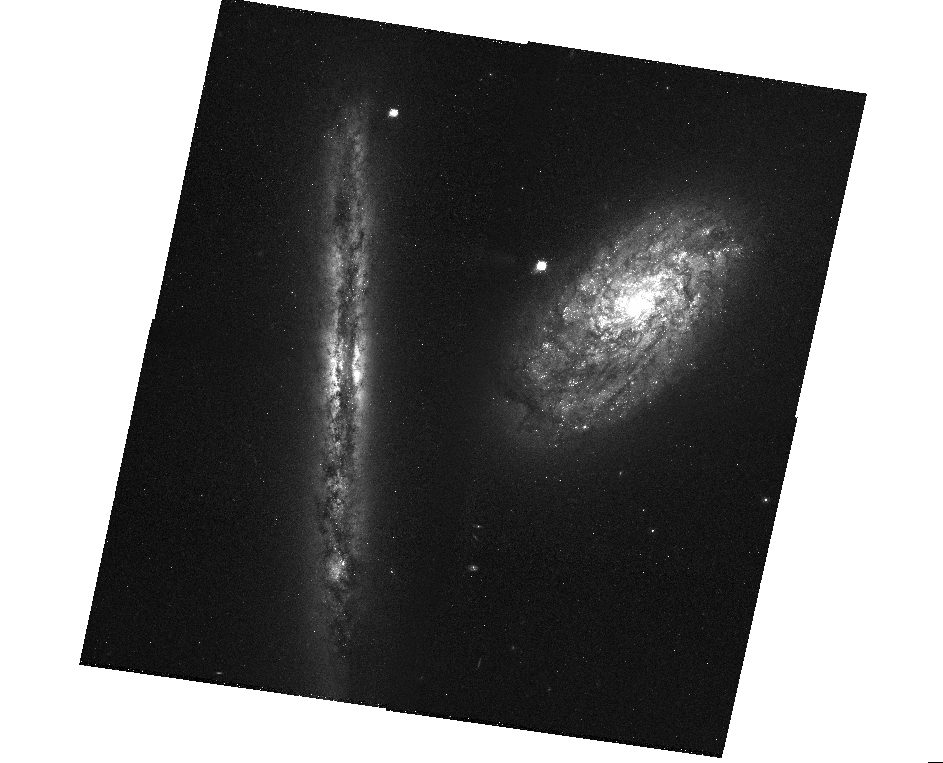
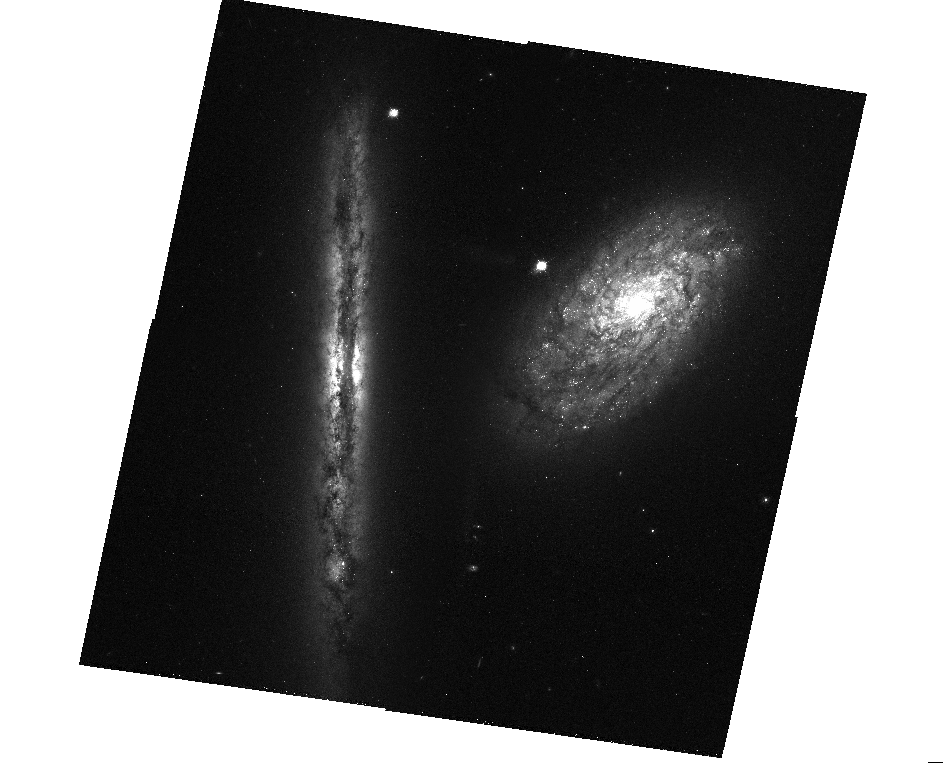
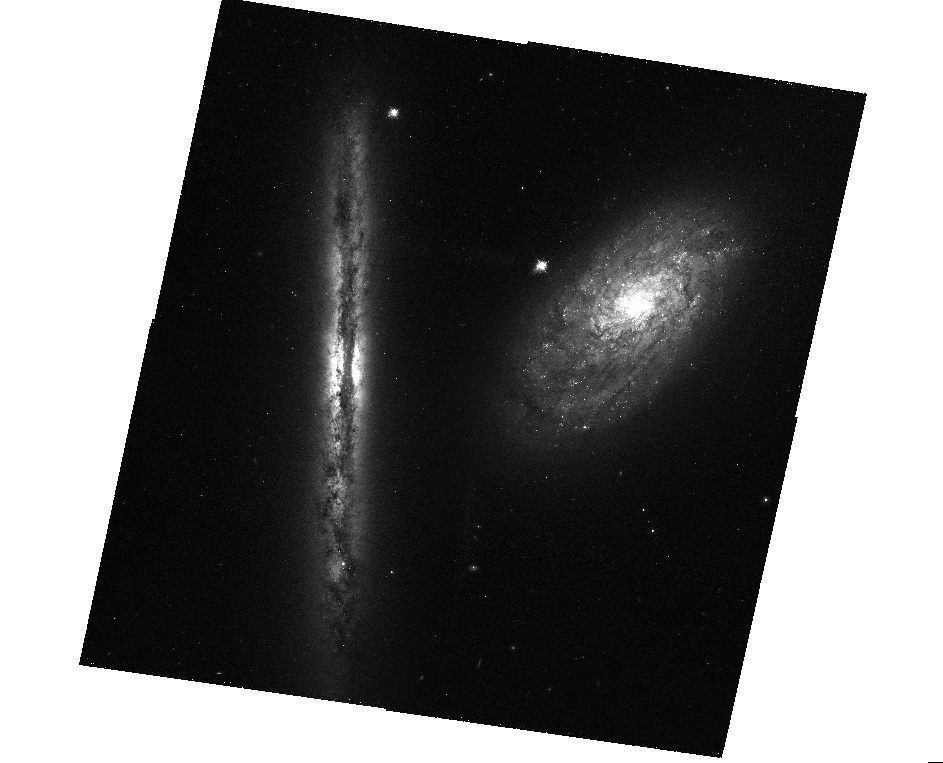
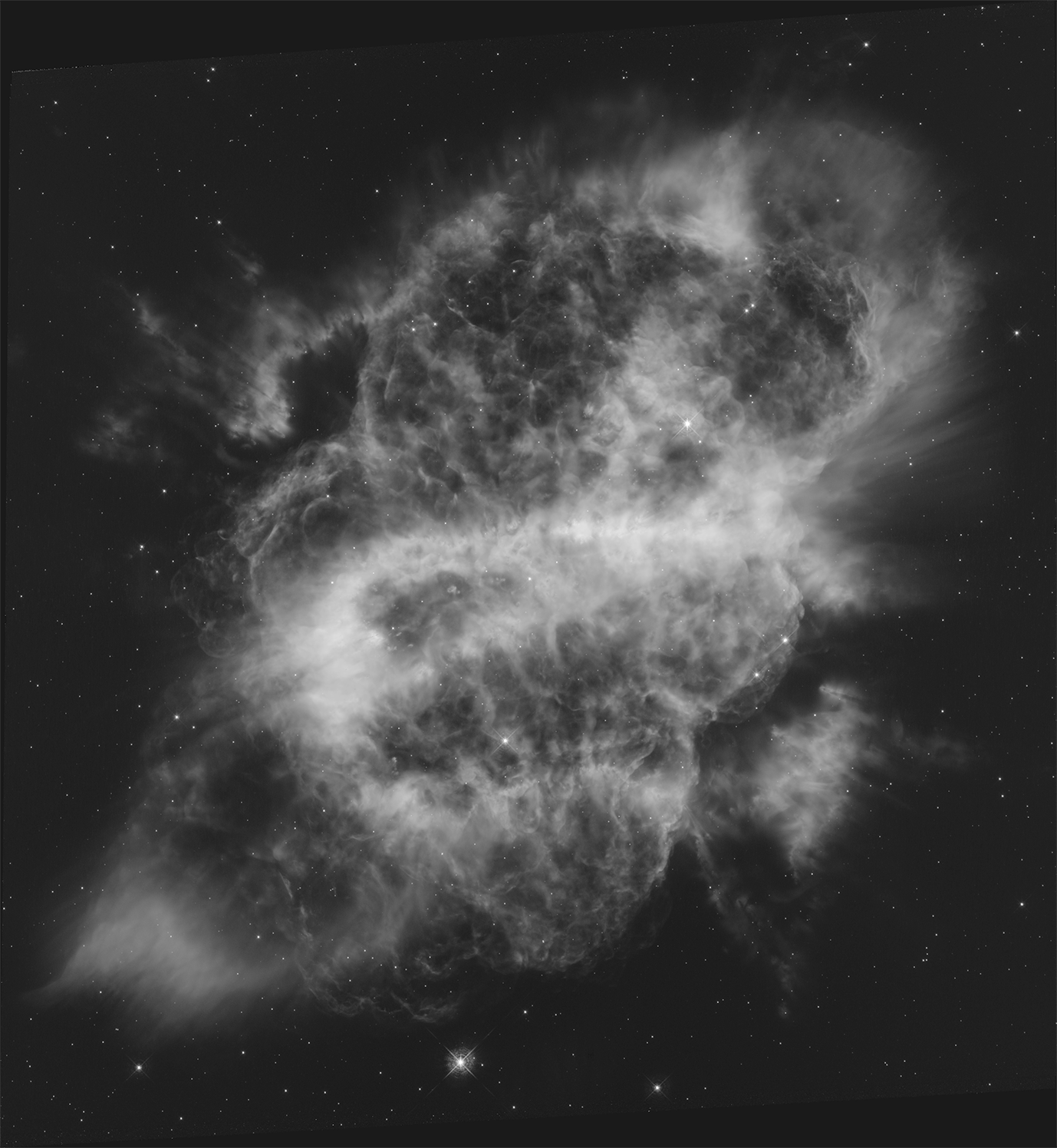

For a successful photo project you should:
0) Learn how to save your work (it's not quite so simple on Pixlr)
1) Strive to bring out the MOST detail you can from each of your images
- Right-Clicking on the layer name or on the 3 vertical dots) area on the right of the screen brings up a very helpful screen. Use that to change transparency and blending
- There are a WHOLE LOT of options under adjustments will be helpful
- Only a few of the filters will be helpful
- Notice that you can move the layers by dragging them above and below
2) Provide a smooth blending of all of your images
3) Try to avoid distractions
4) Artistic interpretations are fine as long as they don't conflict with the above criteria
NOTE: BE SURE TO SAVE YOUR WORK EARLY AND OFTEN TO YOUR GOOGLE DRIVE.